 HuwenAI Content Workbench
Turn Inspiration into ContentCreate in One Flow
Huwen · Local AI Writing & Content Workbench
Refine section by section, format cleanly, and turn drafts into visual cards & editable posters.
Download for macOSDMG Installer · Apple / Intel
Download for WindowsZIP Installer · x64 / ARM64
Available release v0.0.236 · Pick your chip to download · Terms / Privacy
Local Desktop AppBring Your Own ModelsContent That Keeps Growing
00 · END-TO-END WORKFLOW
Six Steps from Spark to Delivery
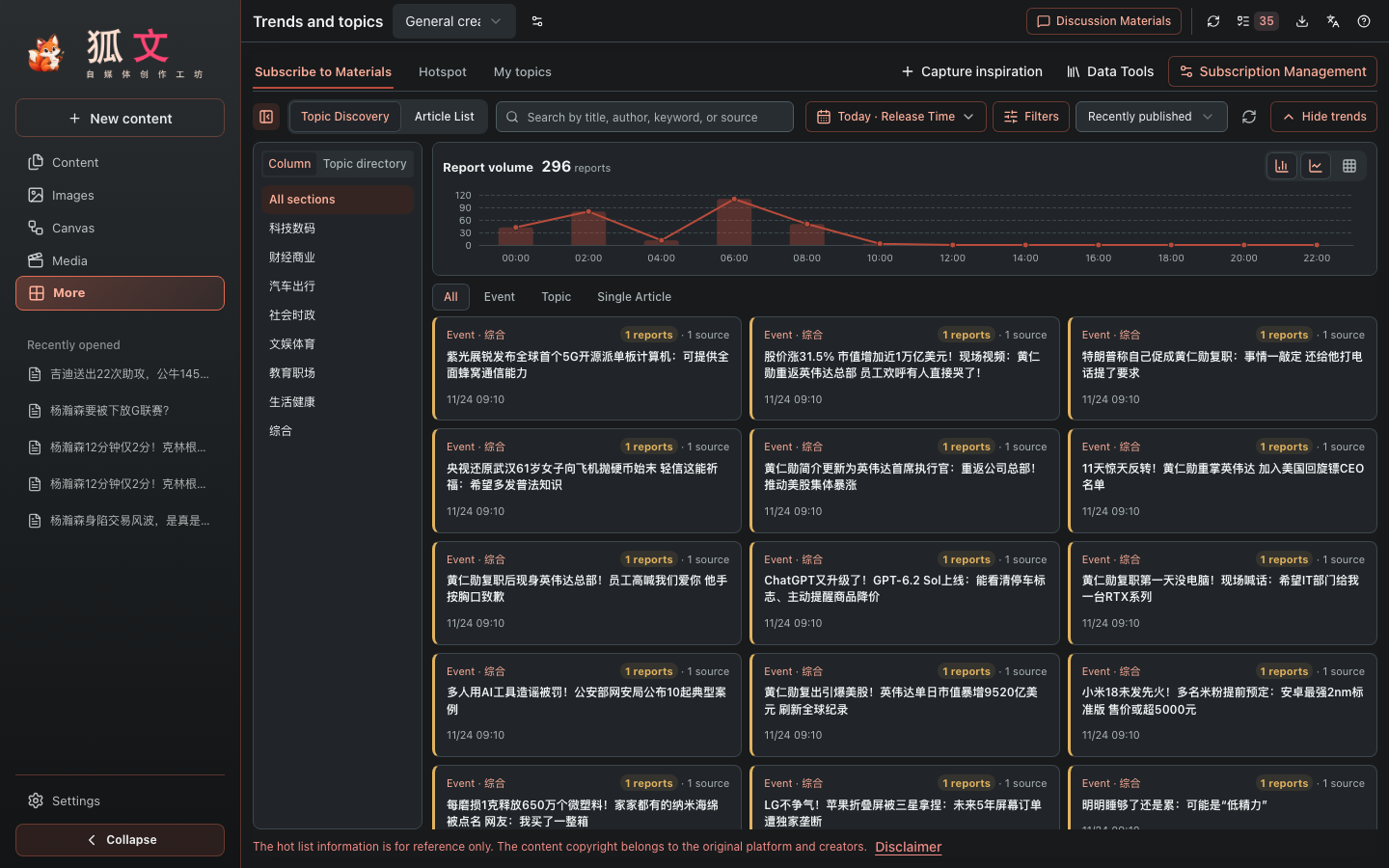
01 Discover — Scan an 8-category desktop news feed, platform rankings, hourly trends, and account samples before writing.
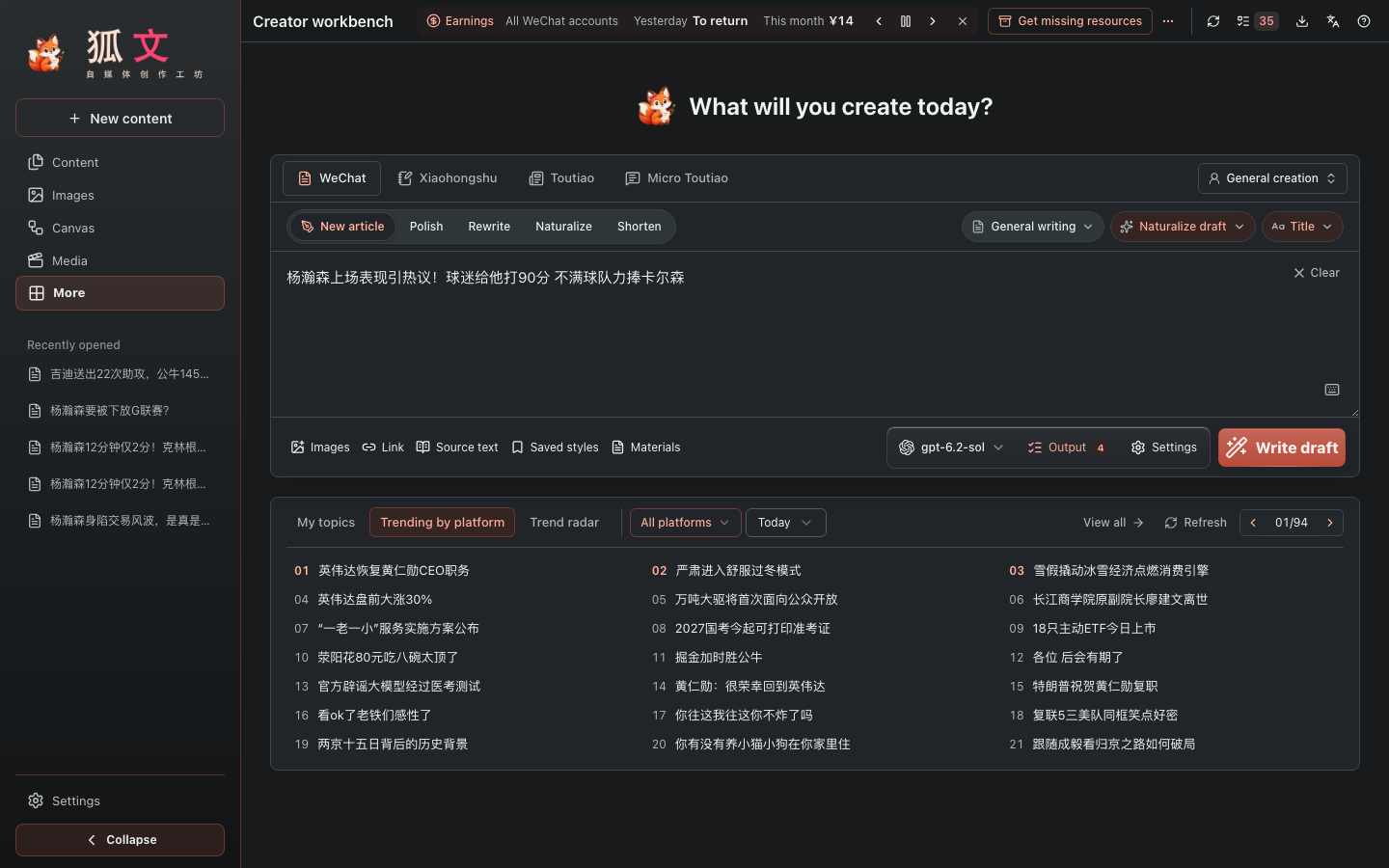
02 Draft — Pick your platform, account, model, and writing skill on the home composer to draft with attached context.
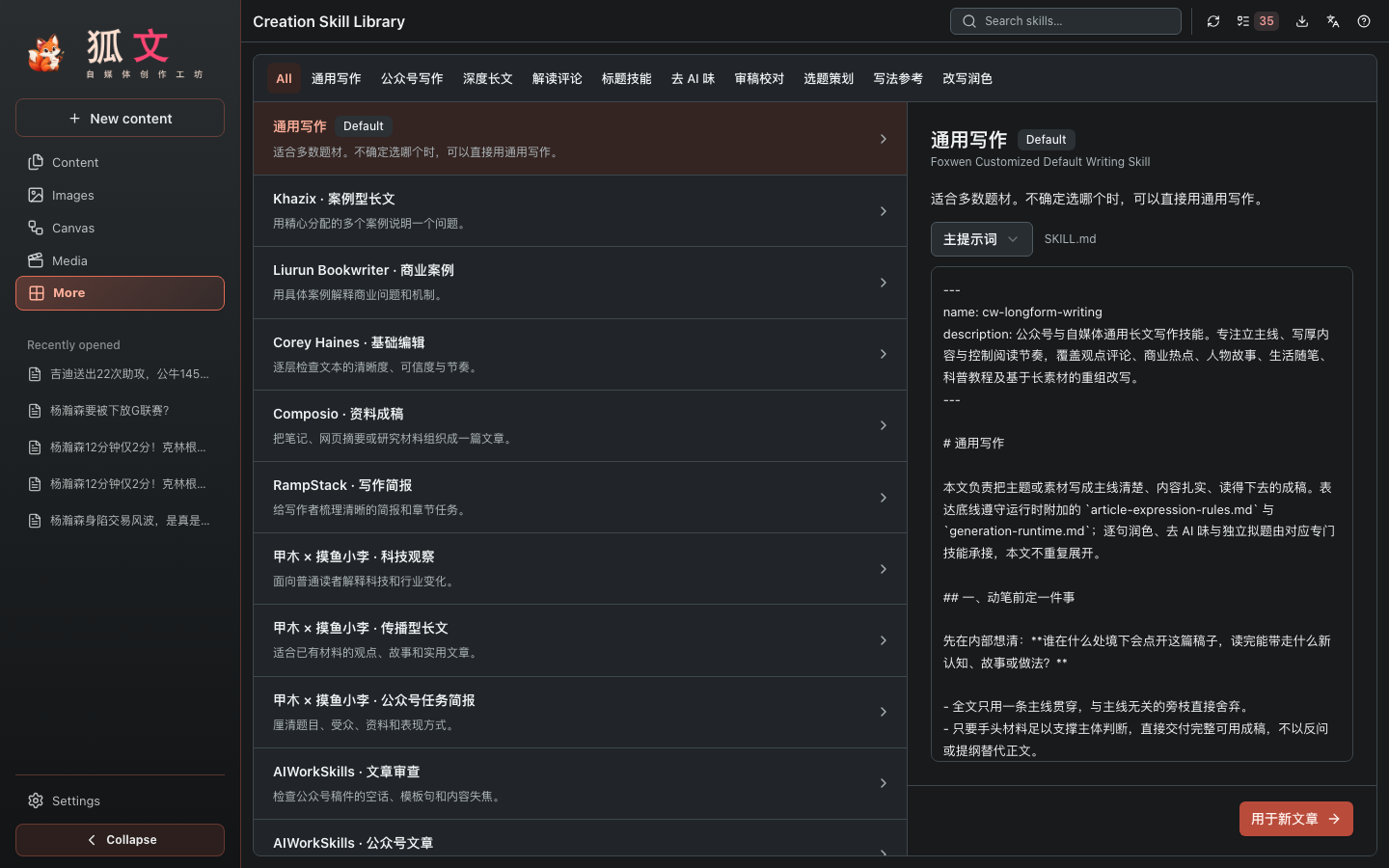
03 Refine — Import custom skills from ZIP or folder, run Expression Cleanup and Natural Expression per block, and check on demand.
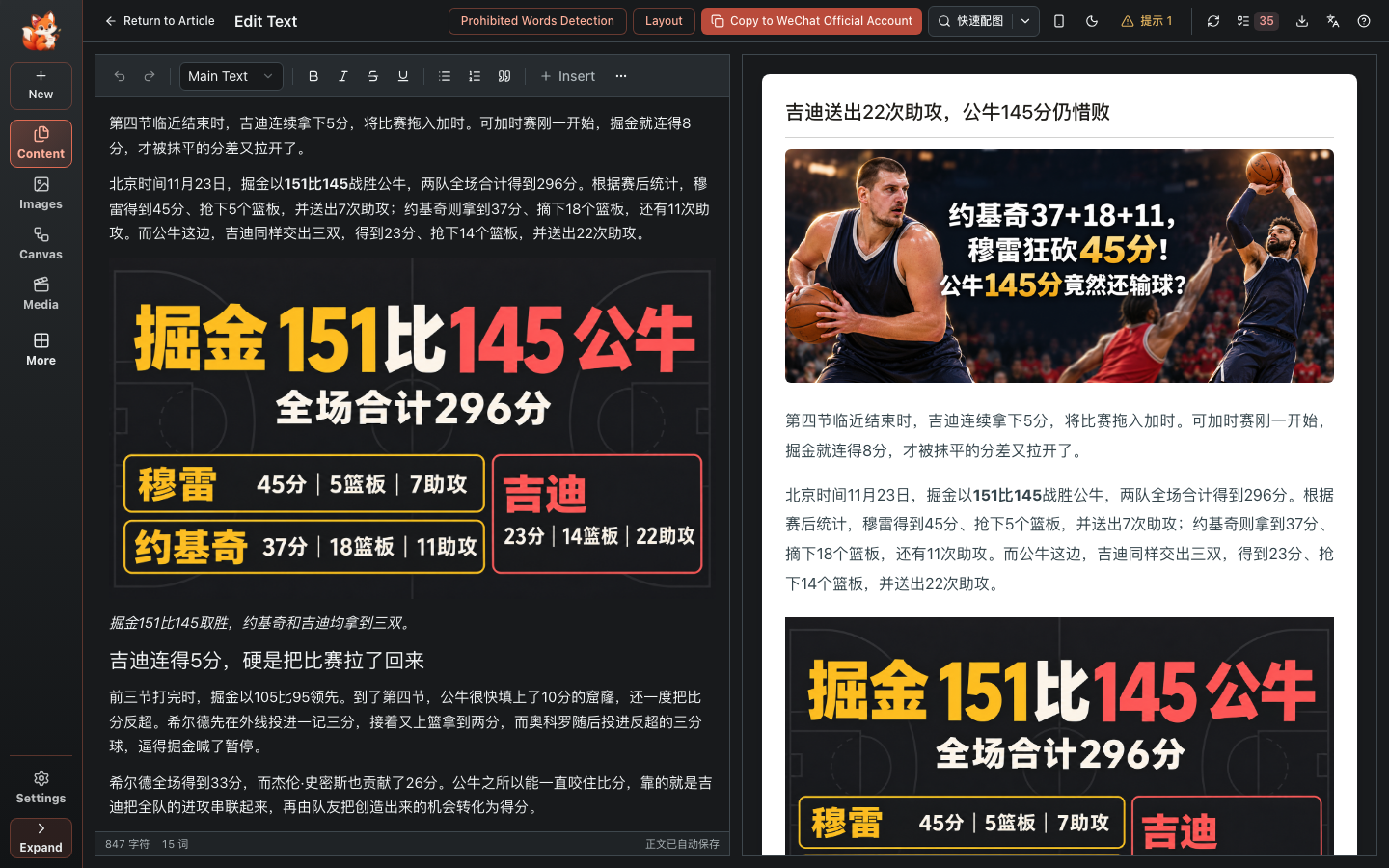
04 Format & Visuals — Edit Markdown beside live formatted themes, then branch into Xiaohongshu cards and comparison charts.
05 Canvas & Motion — Connect drafts and editable multi-page posters on Infinite Canvas, or extend into Layer Motion graphics.
06 Matrix & Delivery — Manage accounts and series, automate scheduled draft prep, push drafts, or export HTML & Markdown.
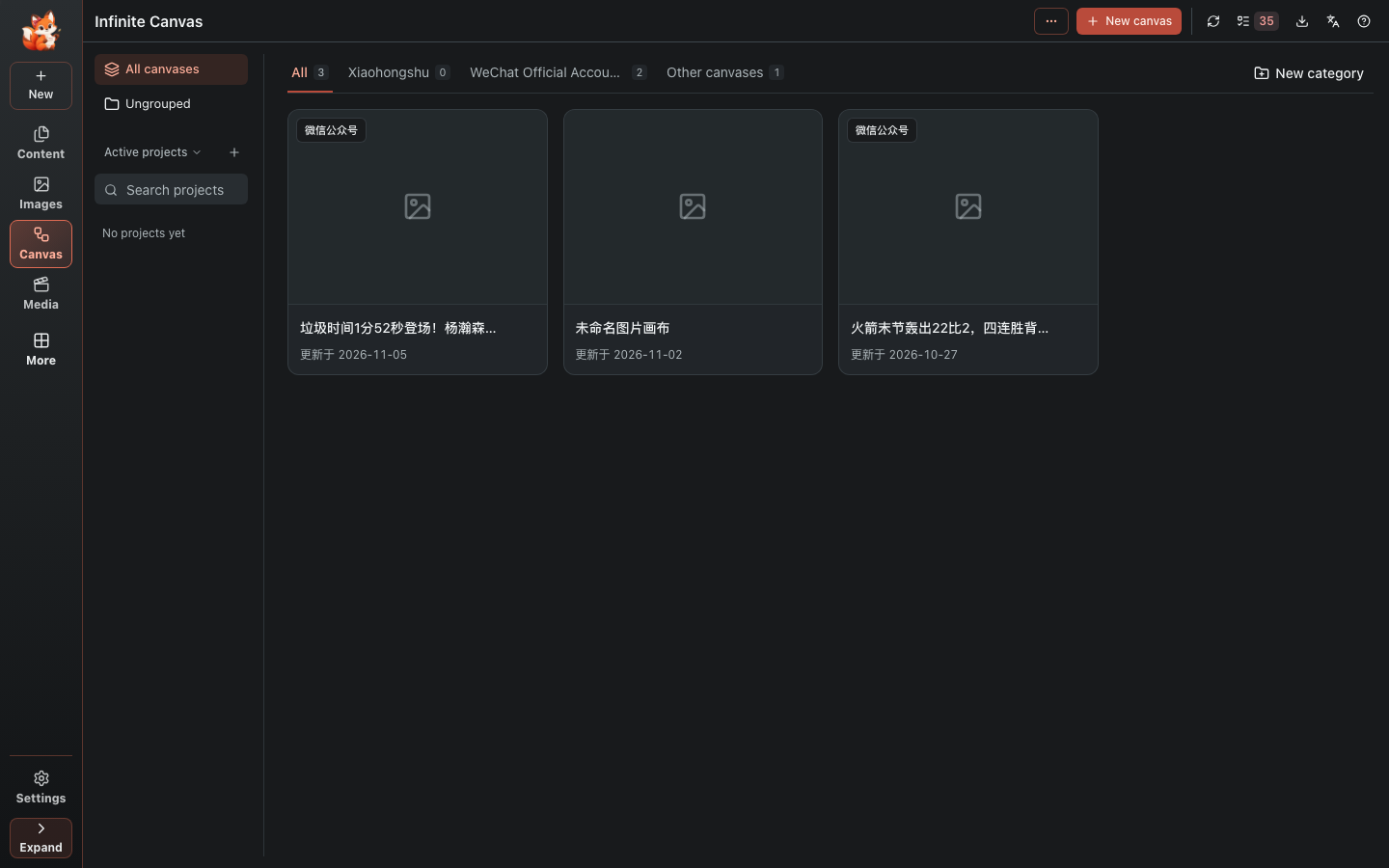
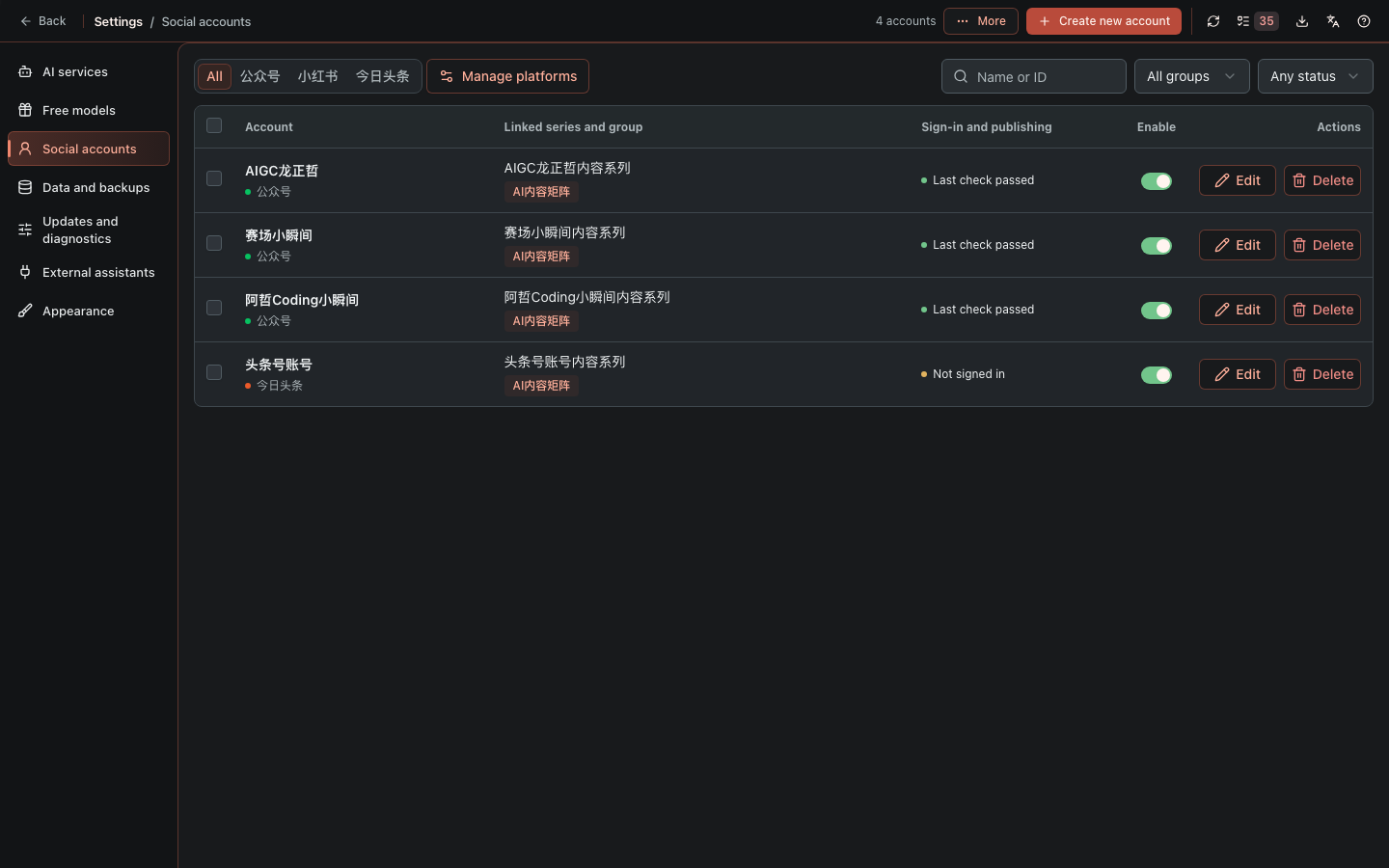
01 / 06 · Click side windows or drag to switch · Click center screen to zoom
01 / Discovery & Starting Point
From Live Trends & Insights
Straight to Your First Draft
Connect an 8-category desktop news feed, platform rankings, account sample analysis, and the home composer.
Target platform, account, writing skill, and reference sources stay visible before you generate a word.
8-Category Feed · Event & Topic Clusters
Spot real momentum
Spot real momentum
before opening a blank page.
Browse live coverage by events, topics, or single reports with hourly trend charts and source filtering—then send any angle straight into drafting with context attached.
Explore Hotspots & Topics ↗
Platform · Account · Writing Skill
One clean composer
One clean composer
from topic to first draft.
Pick your target platform and account at the top, choose models and writing skills below, and switch seamlessly between New Article, Polish, Rewrite, Naturalize, and Shorten.
Explore AI Article Writing ↗
Collected Samples · Positioning Research
Study benchmark accounts
Study benchmark accounts
with real samples.
Analyze collected headline and summary samples to map editorial focus, tone, and standout patterns—then apply those lessons to your own content series.
Explore Account Matrix & Analytics ↗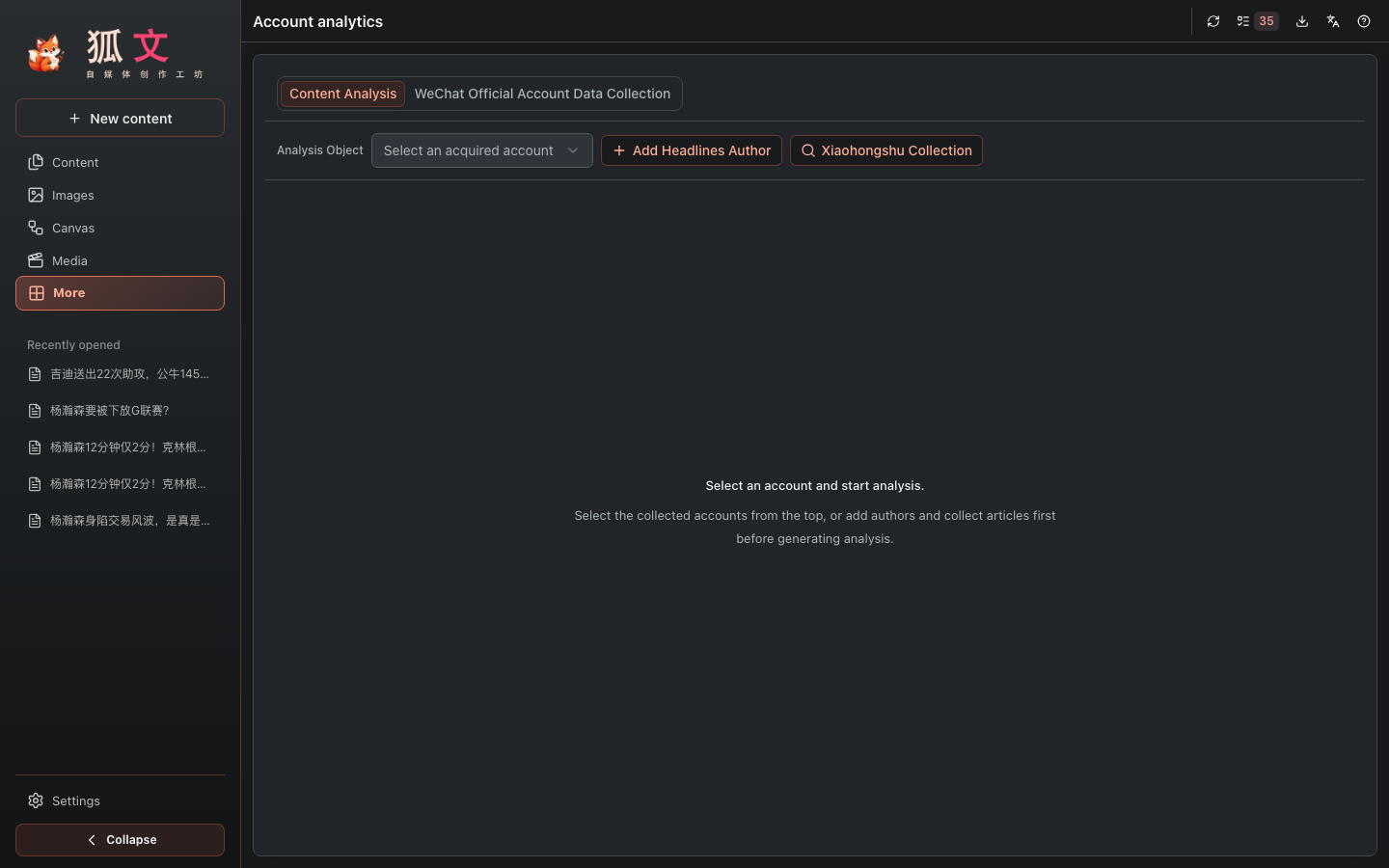
02 / Craft & Refinement
Custom Skills &
Section Polishing
Built-in writing skills with four inspectable reference cards—plus import your own skills from ZIP or folder.
Run Expression Cleanup and Natural Expression step by step, compare every block, and adopt only what fits your voice.
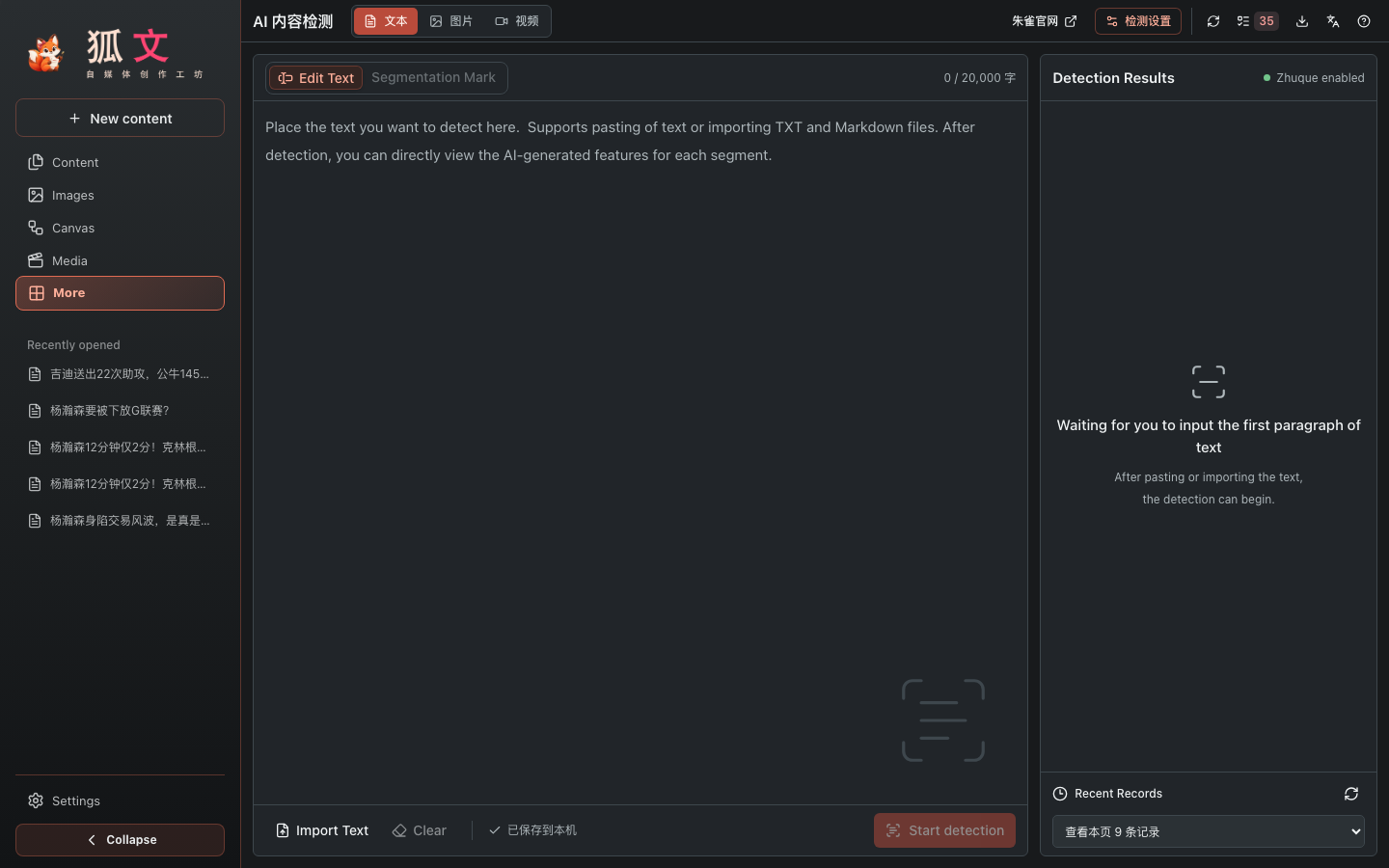
Optional checks that never overwrite your draft
AI Content Detection ↗
Quality Review ↗
Local Word Check ↗
Detection, scoring, and local word checks run independently on demand; scores are for reference only.
From stiff AI phrasing to natural voice
A Weekend EssayWorkflow illustration · Not a live detection result
When the rain stopped, I walked out with my camera.
In this serene and wonderful afternoon, I truly experienced the simple yet precious beauty hidden in everyday life.
By the river my shoes were still muddy. I sat on the bench for twenty minutes and didn't take a single photo.
On the way back, the corner bakery had just unlocked its doors.
Select a section while preserving the surrounding context of the article.
01 / Full-article context enters refinement alongside the active section.
03 / Multi-Format Expansion
One Solid Manuscript
Expanded into Visuals & Graphic Motion
Finish one article and carry it across formats without starting over.
Smart formatting, Xiaohongshu visual cards, multi-page editable posters, Creative Toolbox, and Layer Motion all grow from the same draft.
01 / ARTICLE LAYOUT
Smart Formatting
Live side-by-side layout preview with curated themes—preserve clean Markdown and push straight to drafts.
02 / VISUAL NOTES
Visual Cards
Split long-form ideas into balanced visual slides alongside titles, captions, and tags—every card editable.
03 / EDITABLE POSTERS
Multi-Page Posters
Keep text, imagery, and layers editable on every artboard with independent cover design and batch export.
04 / MOTION GRAPHICS
Layer Motion & Charts
Extend articles or PDF/PPTX decks into editable trend charts, flowcharts, and card motion videos.
Assistant · Formatted Draft · Visual Exits
One article workspace
One article workspace
wired to every output.
Keep search sources and version history on the left, live formatted output in the center, and one-click launches for covers, visual cards, editable posters, and graphic motion on the right.
Explore Content Library ↗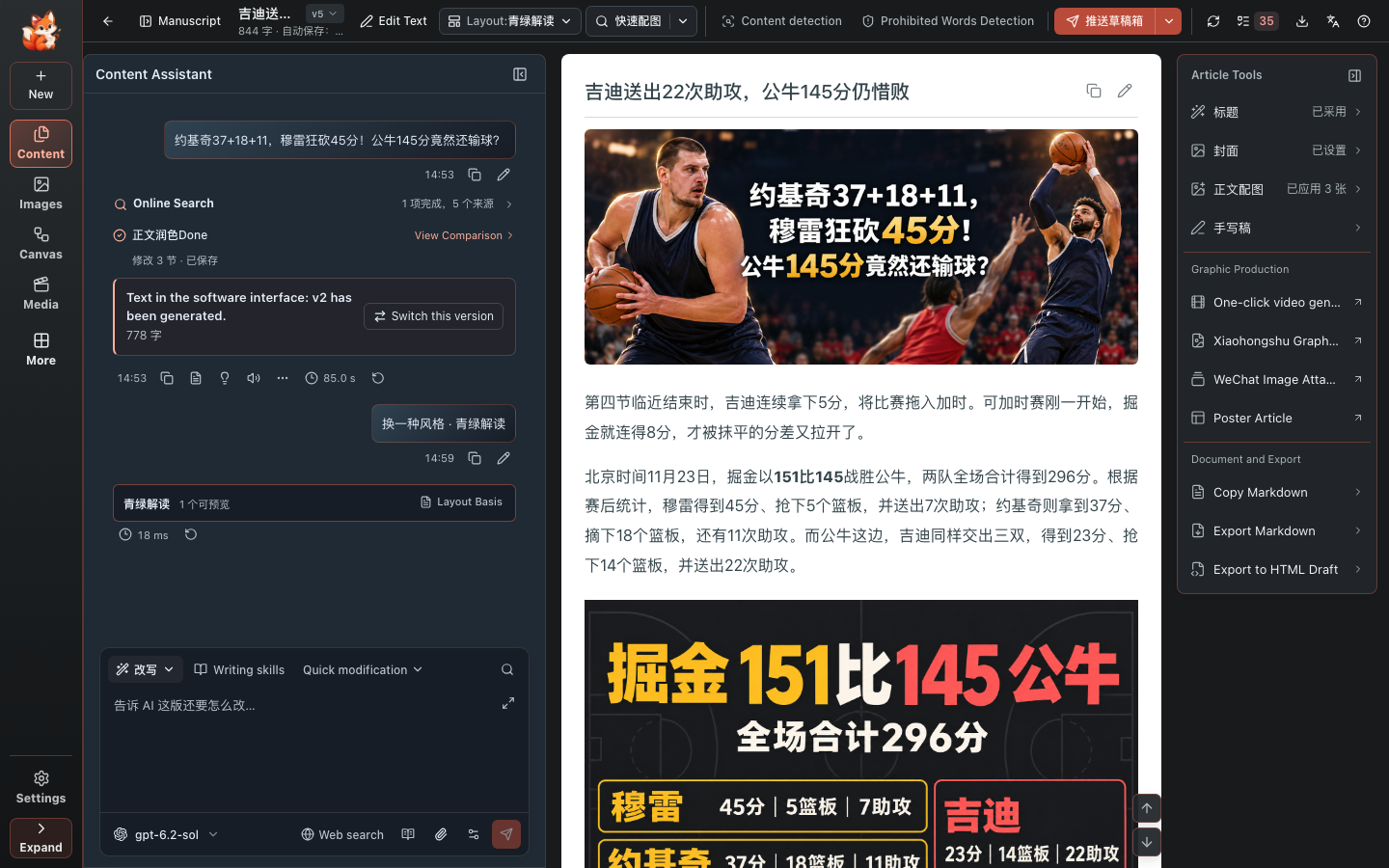
Live Preview · Local Word Check
Edit a sentence,
Edit a sentence,
see the final layout instantly.
Run local prohibited-word checks, insert quick illustrations, preview final formatting side by side, and copy or export HTML in one click.
Explore Smart Formatting ↗
Comparison Cards · Table to Chart · Posters
Everyday visual utilities
Everyday visual utilities
ready in seconds.
Turn bullet points into comparison graphics, paste tables into clean bar/line charts, or jump directly into visual card sets and poster exports.
Explore Card Studio & Toolbox ↗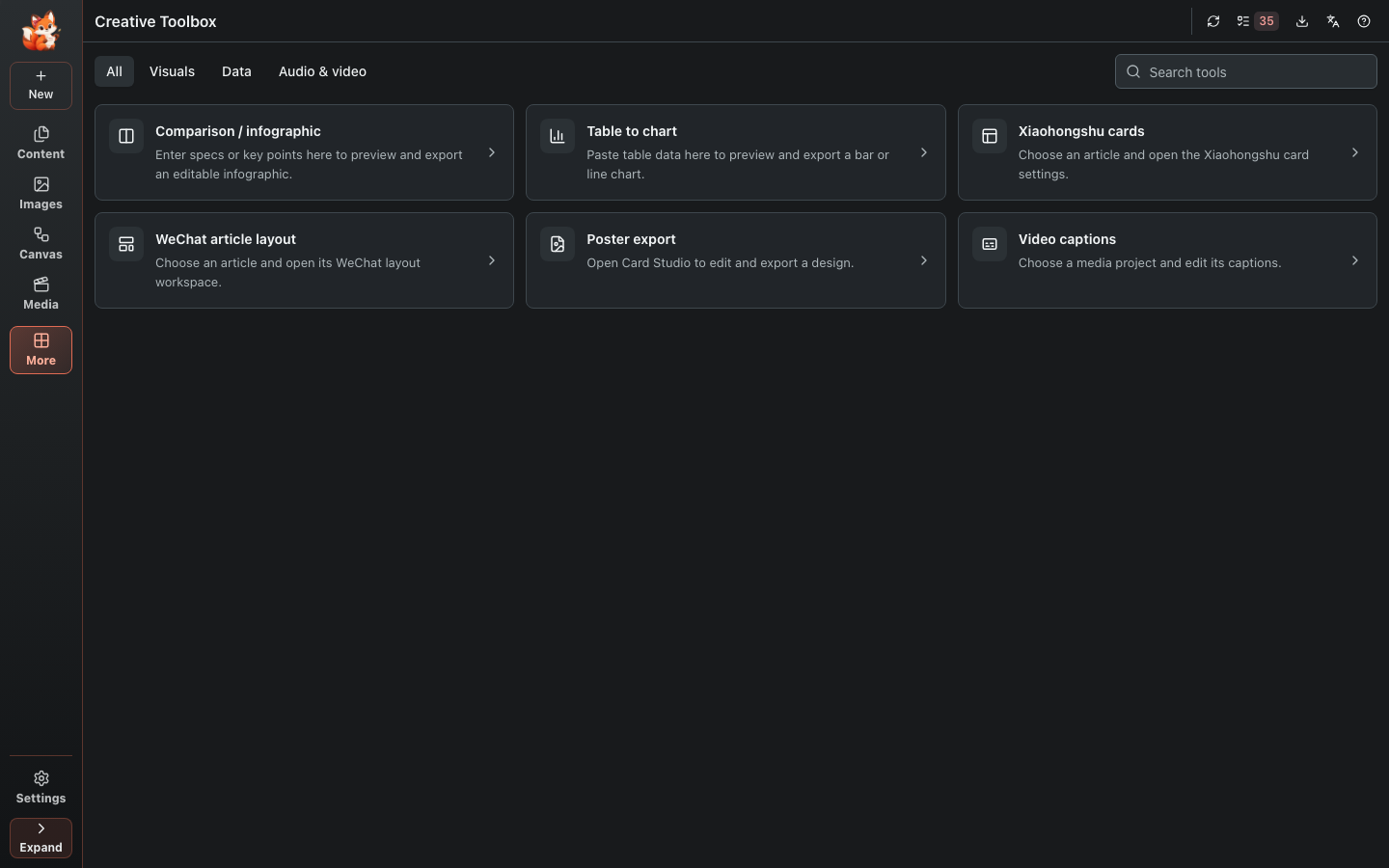
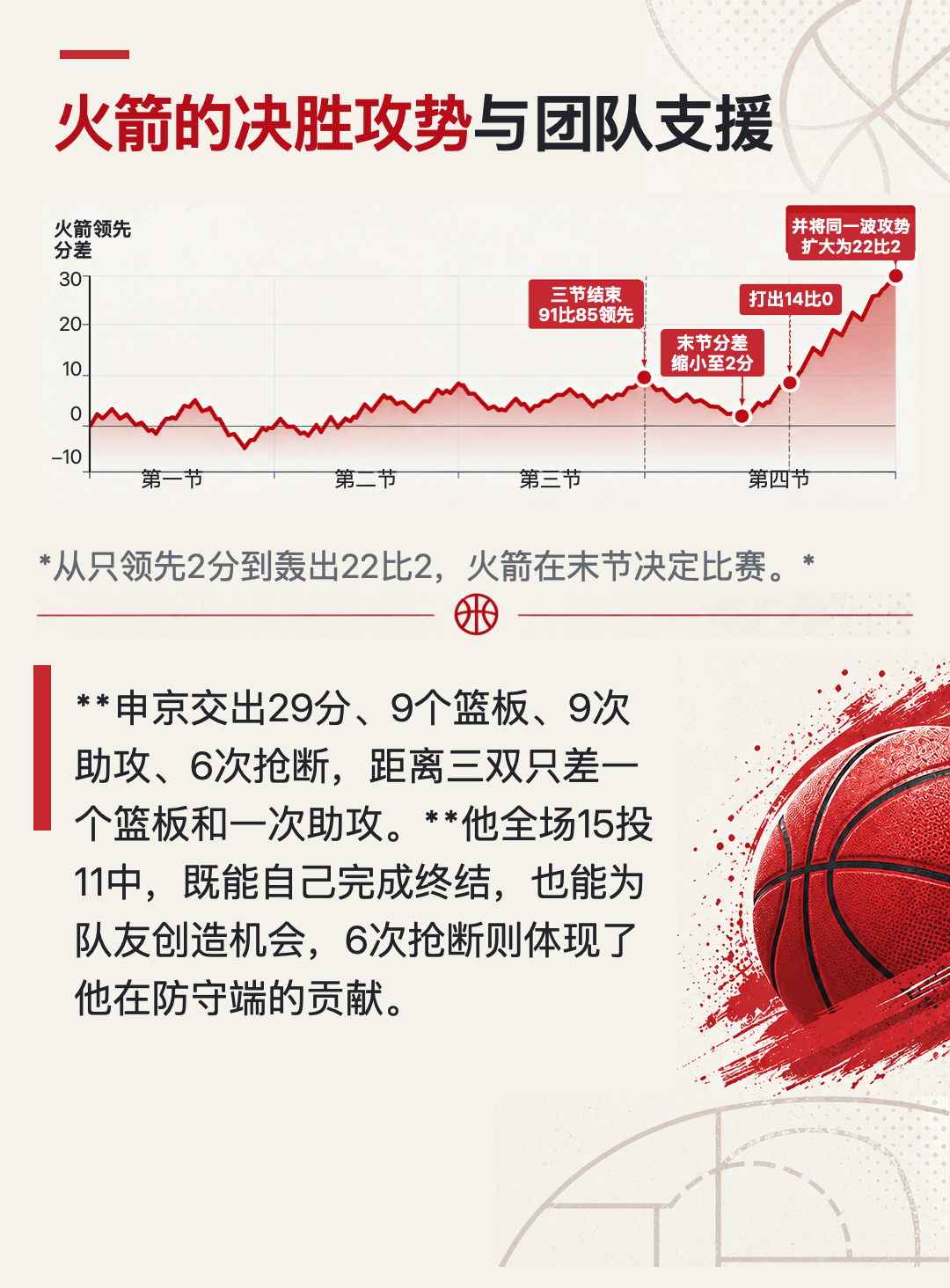
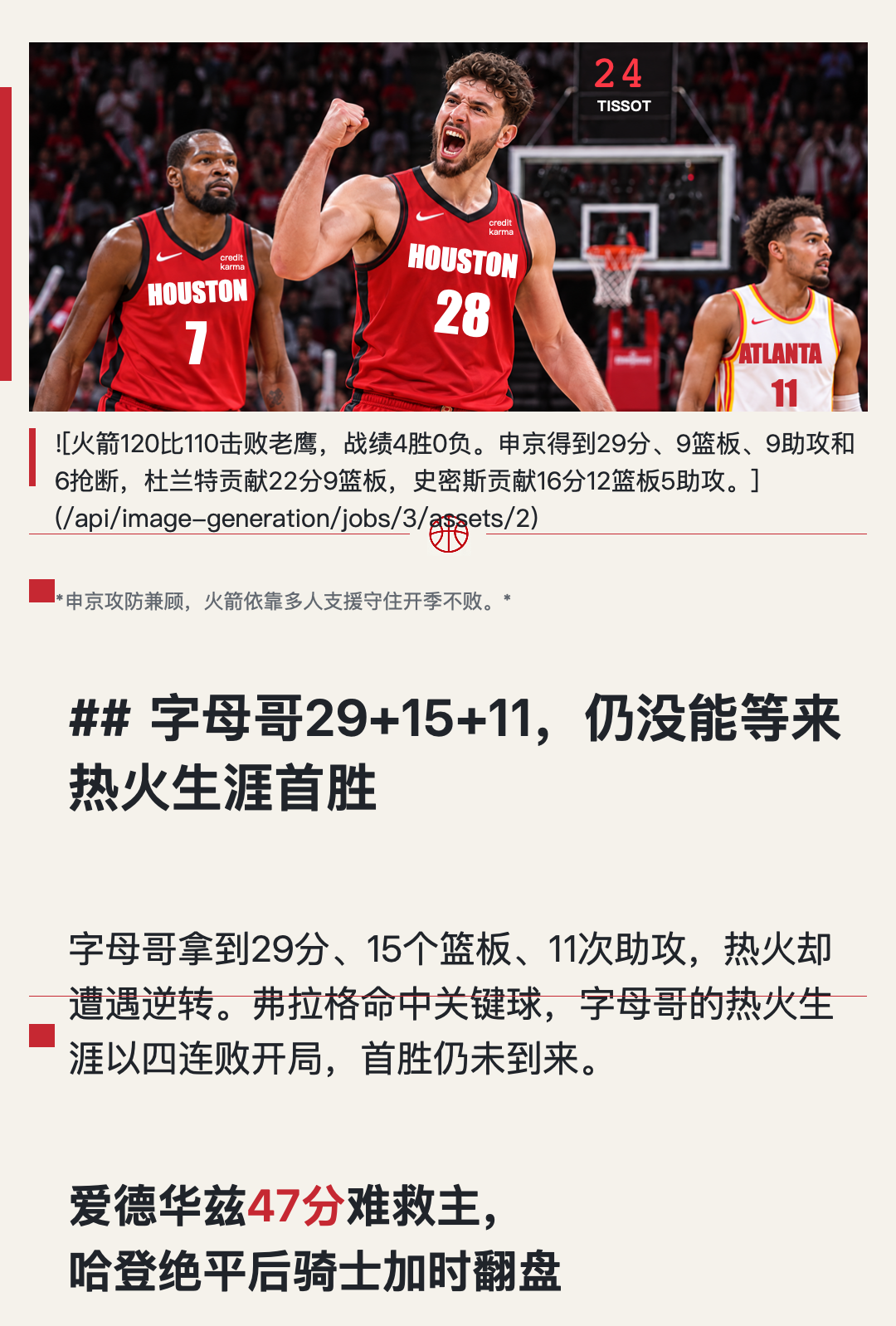
04 / Multi-Page Posters
Not Flat One-Shot Images
Every Artboard Stays Editable
Plan multi-page poster sets directly from an article, refine text, imagery, and layers across artboards, and export high-resolution sets in one click.

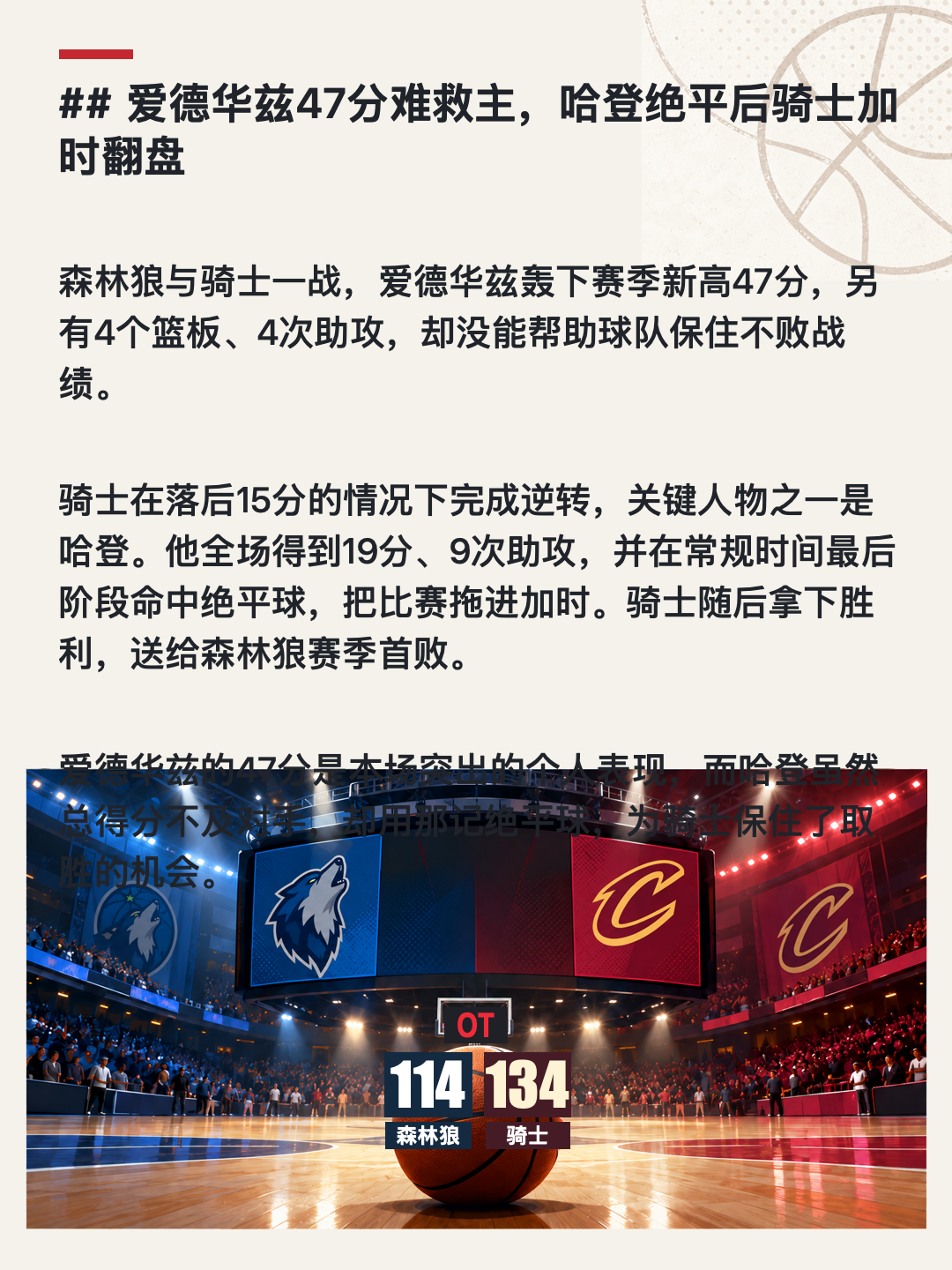
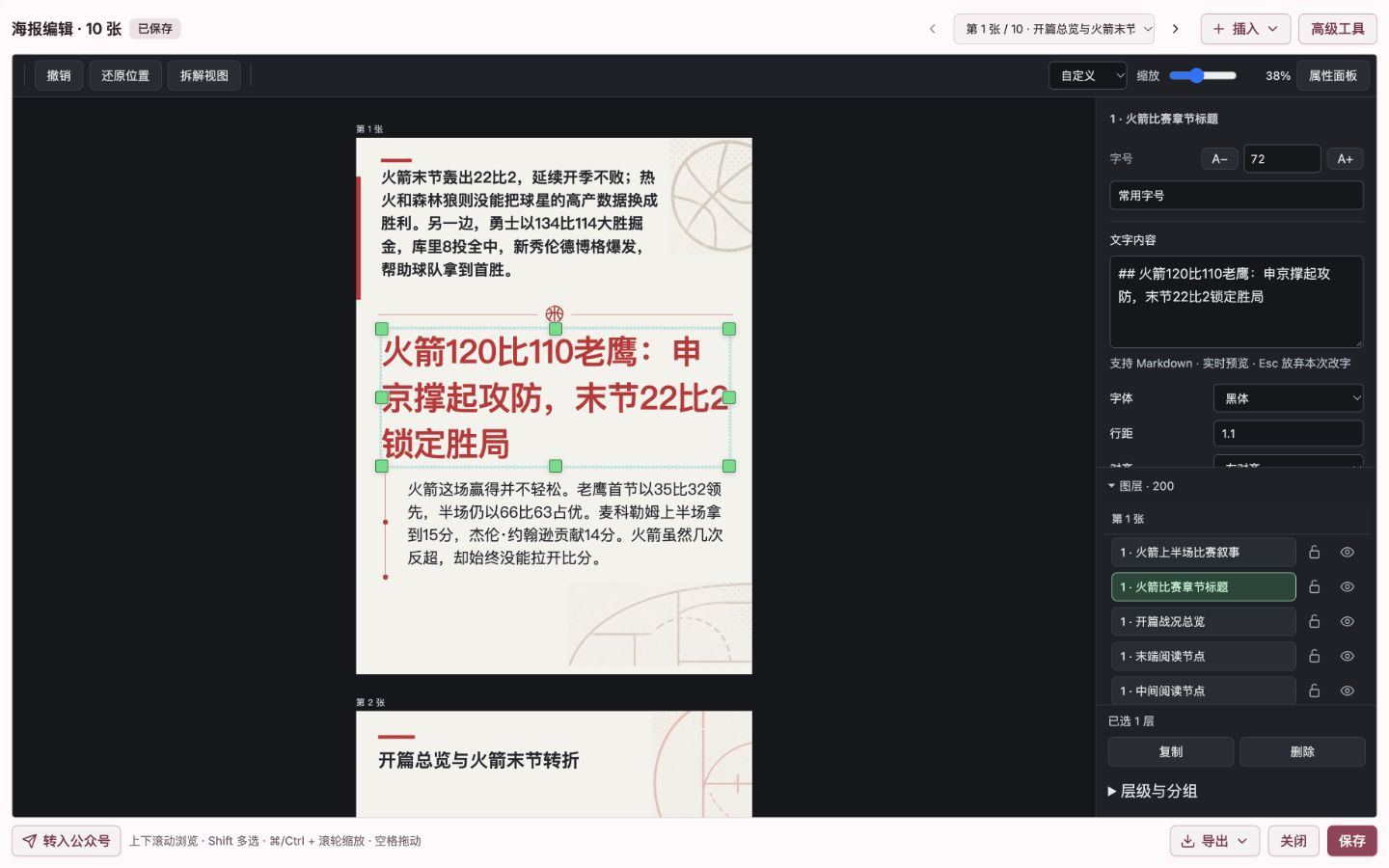
05 / Infinite Canvas & Image Studio
Every Visual Has a Source
Every Iteration Stays Traceable
Arrange manuscripts, reference images, and visual plans on an infinite canvas, or iterate on visuals conversationally inside Image Studio.
From a single cover to a complete campaign set, every step remains connected.
Linked Nodes · Freeform Boards
Start from text & references,
Start from text & references,
map out an entire visual set.
Organize canvases by platform and project, link articles with style references and poster artboards, and revisit any node whenever you want a fresh variation.
Explore Infinite Canvas ↗
Conversational Prompting · Reference Paste · Compression
Iterate visually in chat,
Iterate visually in chat,
compress locally before export.
Paste reference images directly, compare outputs across rounds with your configured image models, and batch-compress PNG/JPEG assets locally with Smart Compression.
Explore Image Studio & Compression ↗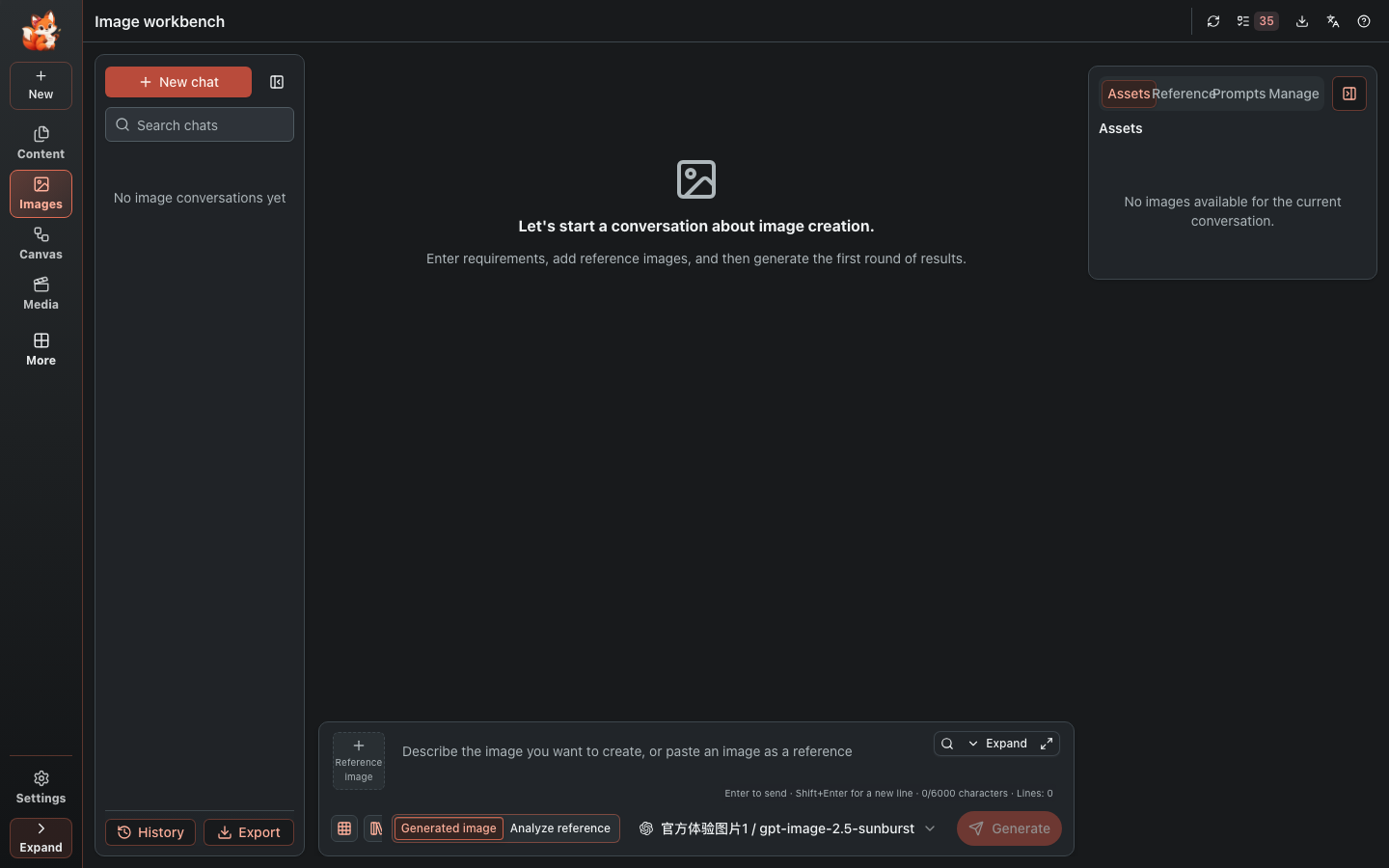
Carry one product profile across visual workflows Workflow illustration
INPUT
Assets & Docs
Product specs
Reference photos
Visual Direction
Audience & style
Campaign storyline
Node Canvas
Linked nodes
Editable pages
Sets & Motion
Posters, cards
Graphic motion
Workflow illustration · Actual creation runs inside the desktop app
Explore Product Marketing Sets ↗
06 / Matrix, Scheduling & Delivery
Multi-Account Matrix & Schedules
Ready for Smooth Handoff
Manage accounts, linked series, and publishing status inside the refreshed Account Matrix.
Automate recurring draft prep on your schedule, then export HTML/Markdown or push directly to drafts.
Platform Filters · Linked Series · Health Status
Multiple accounts,
Multiple accounts,
each with its own cadence.
Filter accounts by platform and group, inspect linked series and publishing readiness at a glance, and configure Official Account connections inside one drawer.
Automated Draft Prep · Human Final Review
Wake up to prepared drafts,
Wake up to prepared drafts,
ready for your edit.
Configure cadence, run time, and creative guidelines per account. Generated drafts land in your Content Library so you always review and format before publishing.
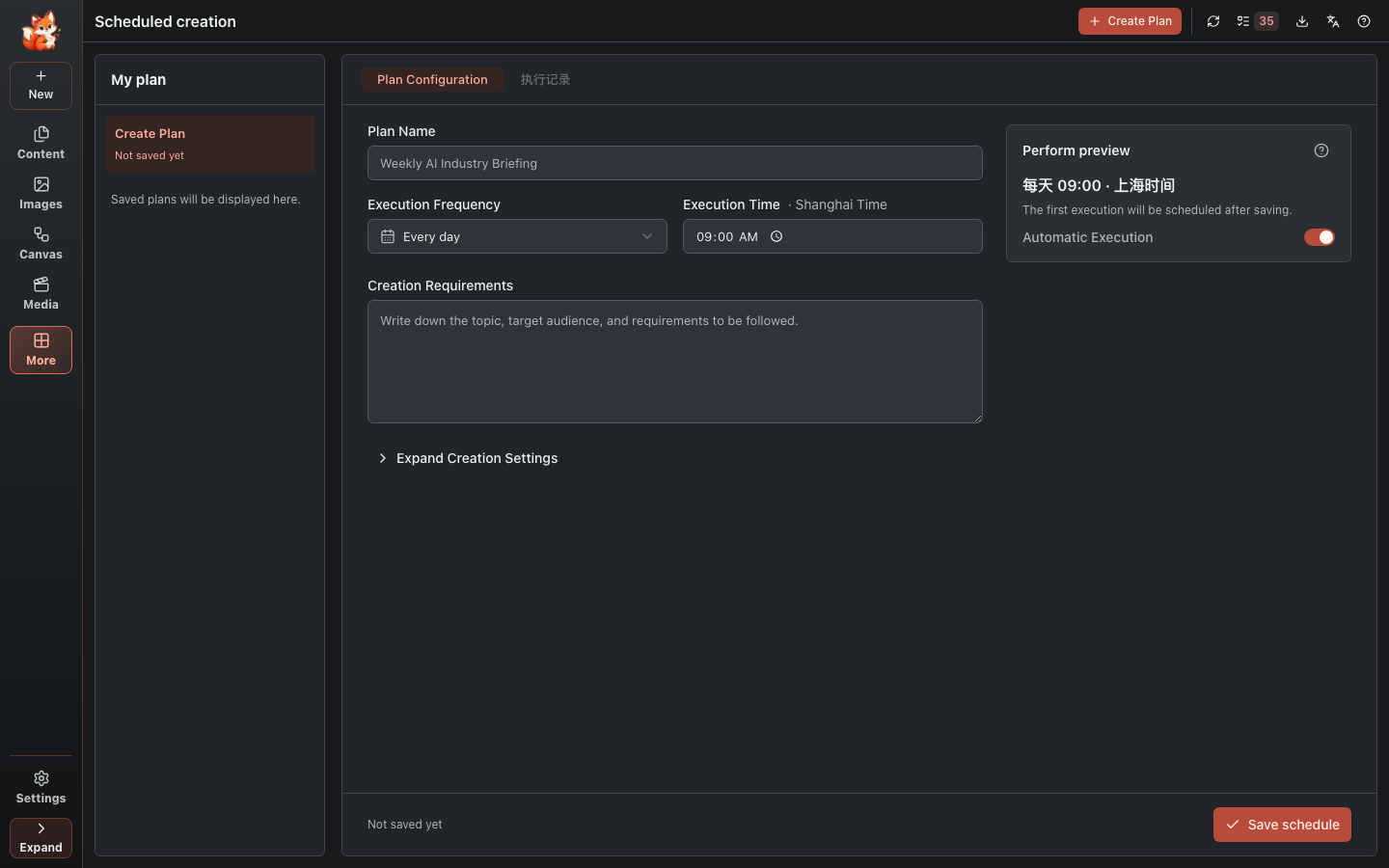
Portable formats, always yours
Standalone HTML with images, clean Markdown, high-resolution PNG cards and posters.
Track every export and resource download inside Download Center.
Export format preview
HTML · Formatted article with images
07 / Local Desktop & Full Control
Data Stays on Your Machine
Models & Language Are Yours
Native desktop app for macOS and Windows with local storage.
Streamlined AI provider setup with relay detection and OpenRouter free models, plus instant Simplified Chinese and English UI switching.
AI Services · OpenRouter Free Models · Bilingual UI
Never locked into
Never locked into
a single model vendor.
Verify connections and fetch models before saving, see your default writing and image models at a glance, or browse OpenRouter's free text model catalog directly in Settings.
Explore Desktop & Model Settings ↗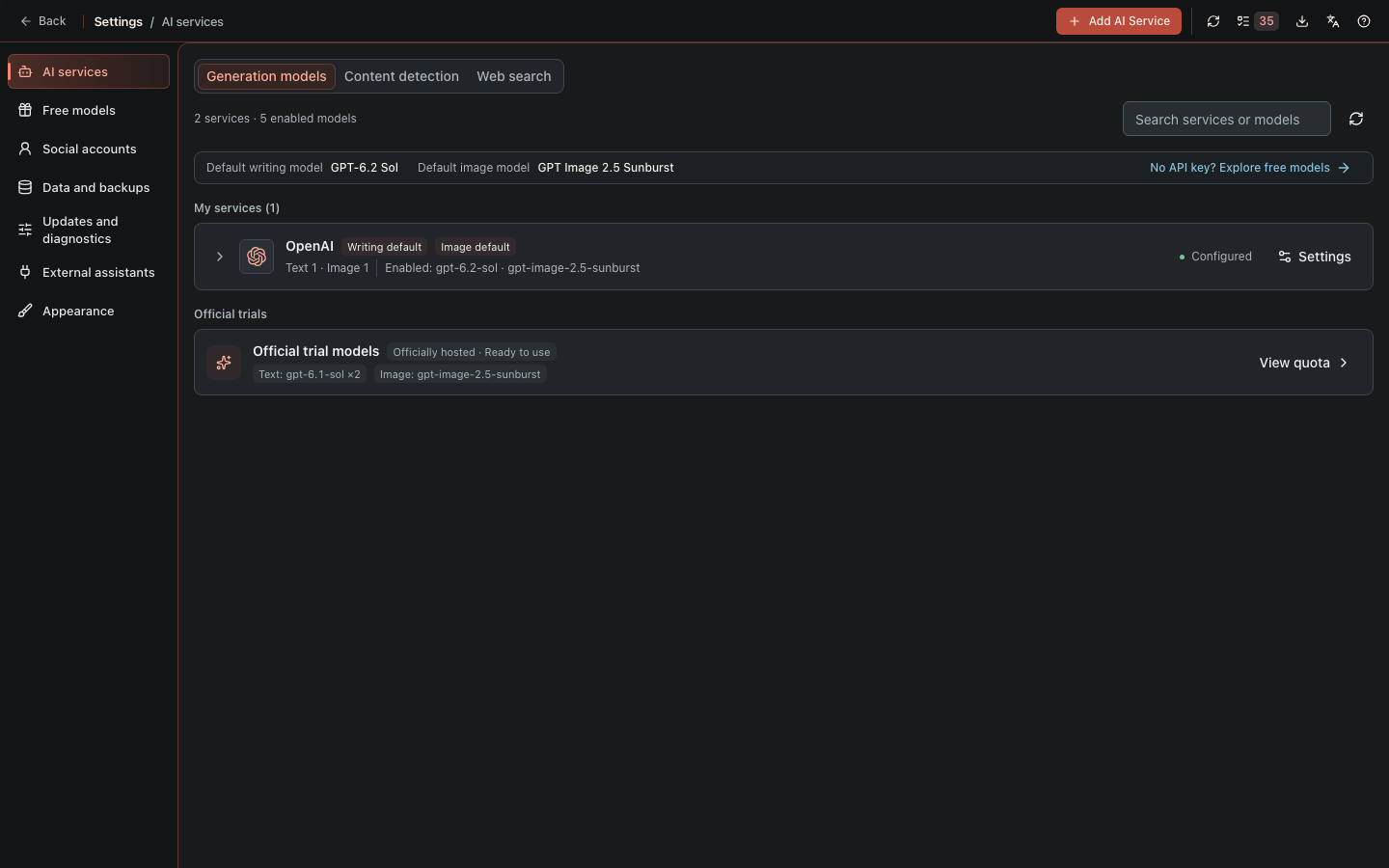
LOCAL FIRST
Local SQLite Storage
Manuscripts, version history, knowledge bases, and canvases live locally on your computer for easy backup and ownership.
BYOK & OPENROUTER
Bring Your Own Models
Connect OpenAI-compatible APIs, DeepSeek, relays, or OpenRouter's free model catalog—usage follows each provider's own rules.
BILINGUAL DESKTOP
Native English & Chinese UI
Switch between English and Simplified Chinese right from the top bar—updating the workbench, canvas, and native menus instantly.
PUBLISH ASSISTANT / BROWSER EXTENSION
From Desktop to Browser
Without Repetitive Copy-Paste
The Huwen Publish Assistant carries titles, formatted bodies, covers, and images straight into WeChat, Zhihu, or Xiaohongshu editor tabs.
- Chrome
- Edge
- Firefox
Packages and installation notes for each browser are provided on the download page.
Install & Connect
Chrome / EdgeDownload & Unzip
Download the Chrome / Edge archive and keep the extracted folder on disk.
Open Extensions Page
Chrome:
chrome://extensions
Edge:edge://extensionsLoad Unpacked
Enable Developer Mode, click Load Unpacked, and select the extracted folder.
Return to Huwen
Hand off from the desktop workbench, review everything in your browser, and publish manually.
Follow the dedicated Firefox instructions on the download page.
You always confirm before publishingThe extension never auto-logs in, saves drafts, or clicks publish on your behalf.
09 / Full Capability Map
28 Focused Tools
Built for Daily Publishing
Explore every workflow from discovery and writing skills to visual cards, editable posters, graphic motion, and multi-account operations.
Browse all 28 features ↗
Discovery & Insights
Hotspots & Topic Discovery
Find angles worth writing before opening a blank page.
↗Writing & RefinementWriting Skills & Custom Import
Inspect built-in craft methods or import your own skills.
↗Visuals & GraphicsLayer Motion & Graphic Video
Extend articles and documents into editable motion graphics.
↗Operations & DesktopAssets & Knowledge Base
Organize materials once, reuse them across every piece.
↗Discovery & InsightsAccount Matrix & Analytics
Manage multiple accounts, series, and insights in one view.
↗Operations & DesktopLocal Desktop & Model Settings
Your desktop, your language, your choice of AI models.
↗10 / FAQ
Common Questions
Answered Clearly
About local storage, AI model configuration, section polishing, and daily publishing workflows.
What kind of AI writing workbench is Huwen?+
Huwen is a local desktop application for macOS and Windows built for writers, content teams, and product marketers. You can connect your own AI models (including OpenRouter free models and OpenAI-compatible gateways) or start with available trial quotas; model and external service usage follows each provider's rules. Explore model & service settings.
What workflows does Huwen cover?+
From trend radar, news feeds, and account analysis to AI drafting, custom skill import, section-by-section refinement, article formatting, multi-page visual cards, editable posters, graphic motion extensions, and multi-account scheduling—all inside one local desktop app. Browse all features.
Does section-by-section refinement guarantee a fixed human score?+
No. Refinement focuses on clearer, more natural expression. External AI detection provides reference classifications per block and depends on both the text and the detection service—Huwen never promises fixed percentages or runs endless automatic rewrite loops. See how detection and refinement work together.
Is quality scoring the same as AI detection?+
They are separate tools. Quality scoring offers structured editorial feedback with quotes from your draft, while AI detection classifies segments. Both are optional and never overwrite your draft without your approval. Learn about independent quality review.
Does a local desktop app mean everything runs offline?+
Your drafts, materials, versions, and workspace history are stored locally on your machine. When you invoke a configured AI model, web search, detection service, or publishing connector, only the required request data is sent to that provider. Read our Privacy Policy.
Can I bring my own API keys and models?+
Yes. You can configure text, image, search, and voice services in Settings, including relay gateways and OpenRouter's free model catalog. Actual capabilities and pricing depend on the providers you choose. View model configuration details.