 HuwenAI Content Workbench
Built to keep this step effortless
01
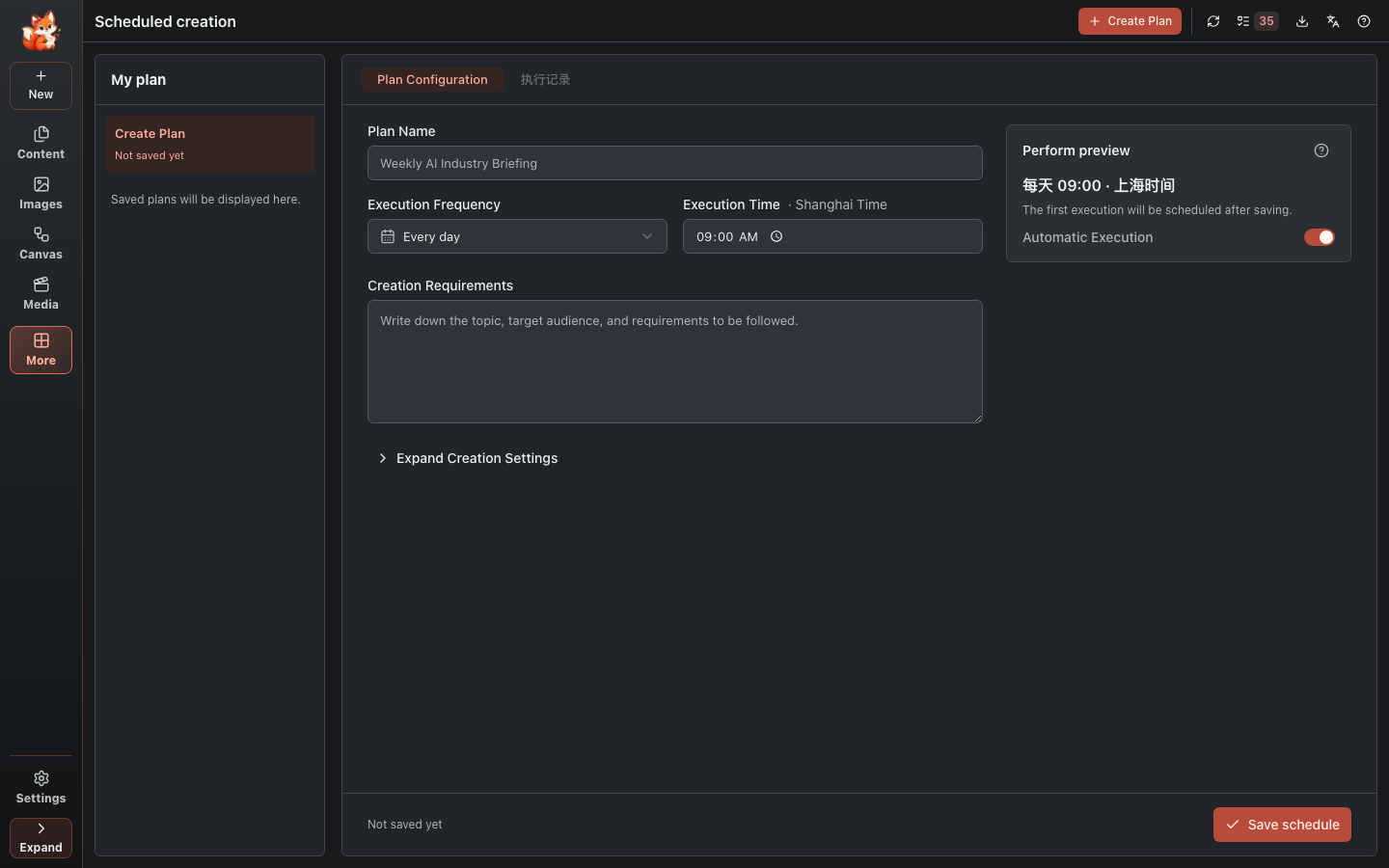
Flexible recurring plans
Set cadence, run time, creative requirements, and target account per plan.
02
Clear run history
Inspect past executions, retry failed runs, and keep drafts organized cleanly.
03
Human review before publishing
Generated drafts land in your Content Library so you always edit and format before publishing.
How to get started
- Open Scheduled Creation from the More menu and click New Plan.
- Set frequency, run time, creative prompt, and target model/account.
- Review generated drafts in your Content Library when ready.
Usage notes
Scheduled tasks run while the desktop app is active and use your configured AI providers.