 HuwenAI Content Workbench
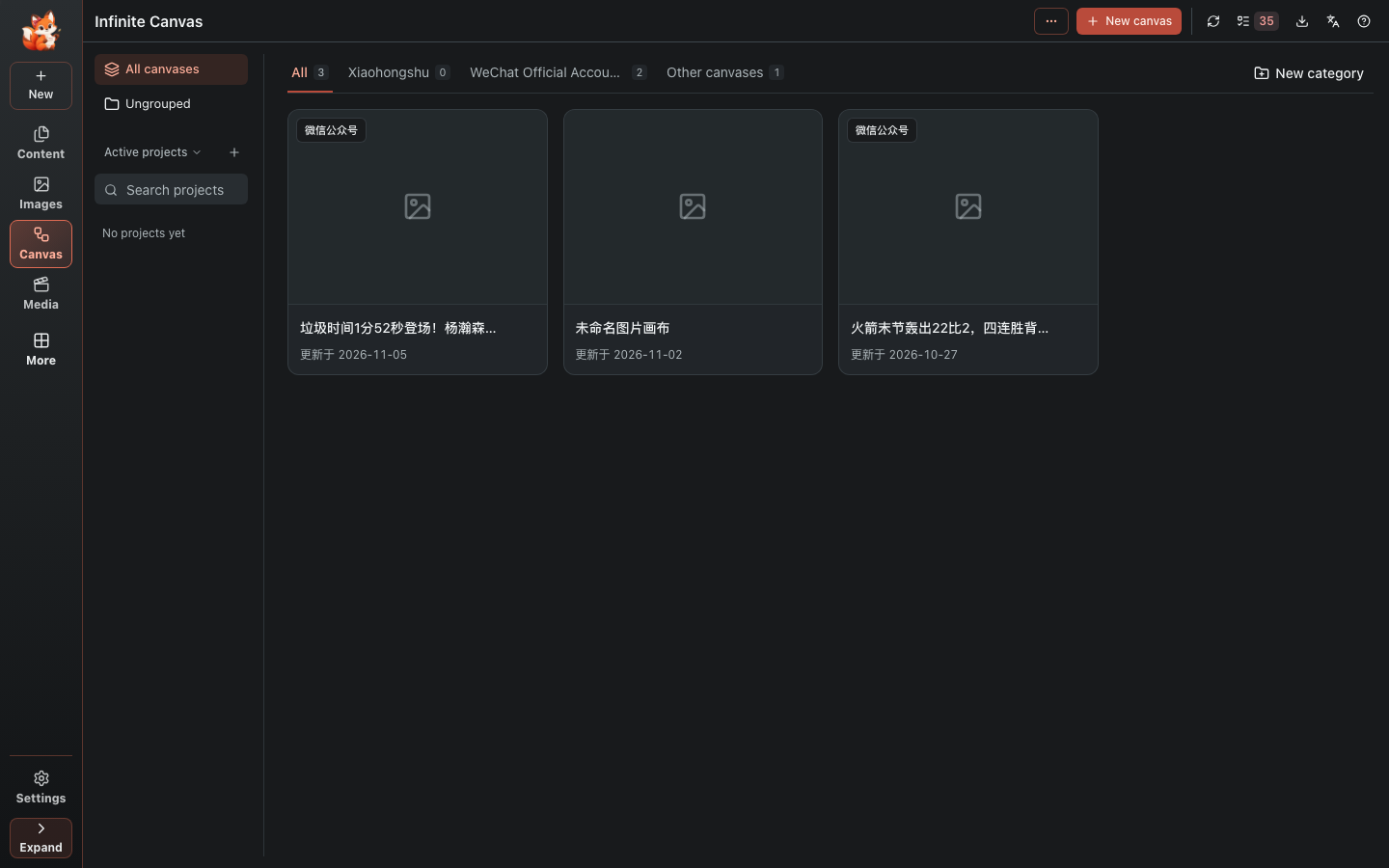
Built to keep this step effortless
01
Traceable creative lineage
Keep articles, style references, planning nodes, and final slides visibly wired together.
02
Freeform image boards
Arrange reference images freely and prompt new generations directly on the board.
03
Dive from overview into detail
Zoom out to inspect a 10-page set, then click any node to edit or regenerate.
How to get started
- Create an Infinite Canvas or open a linked poster/social workflow.
- Place text, references, and planning nodes and connect them.
- Generate, compare, and export outputs right from the canvas.
Usage notes
Canvas layout and state are saved locally; AI generation nodes use your configured providers.