 HuwenAI Content Workbench
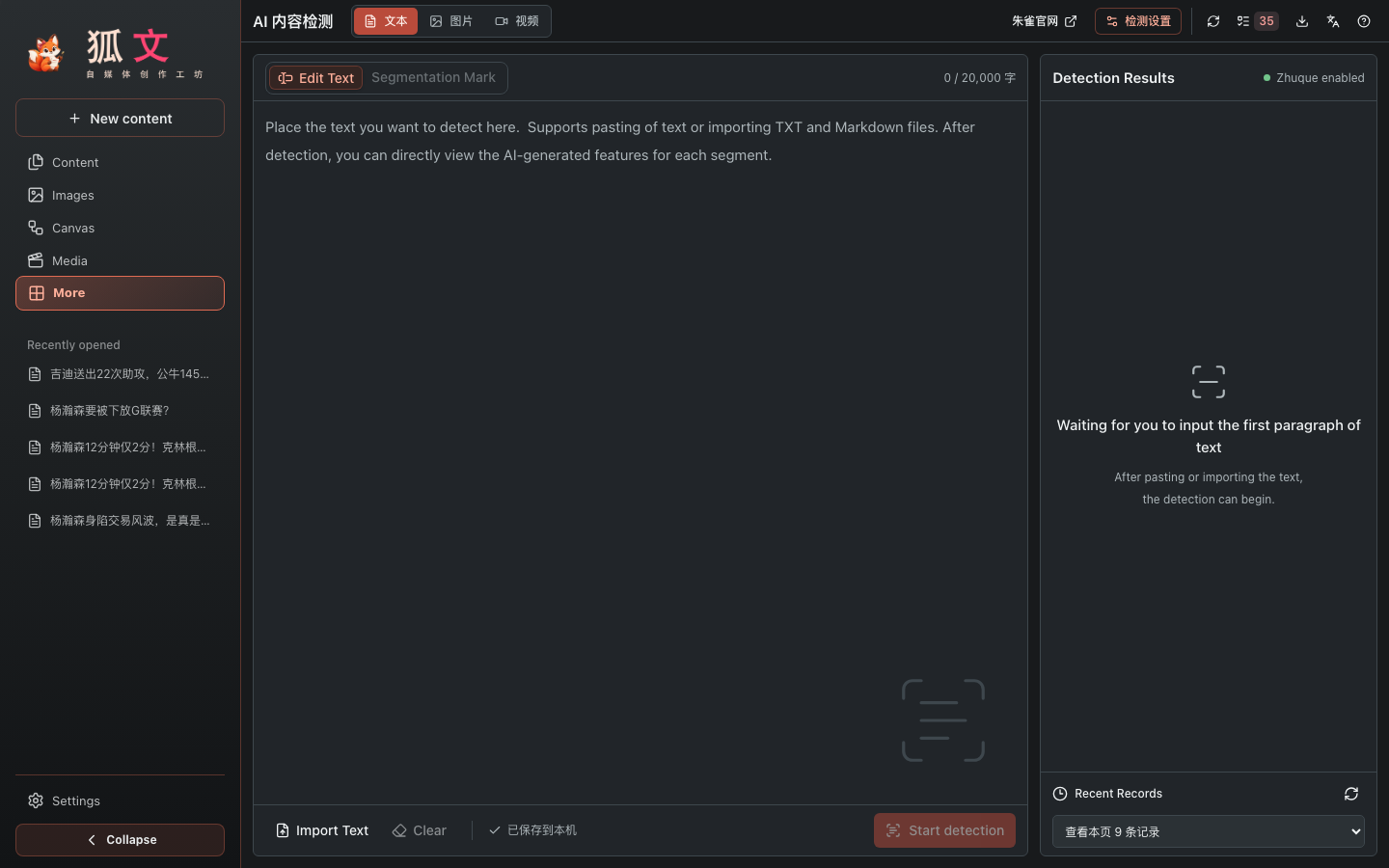
Built to keep this step effortless
01
Paragraph-level visibility
Inspect category counts, highlighted segments, and saved historical snapshots side by side.
02
Targeted block refinement
Trigger polishing on individual flagged blocks while protecting human-written paragraphs with confirmation prompts.
03
Clear separation of concerns
Detection runs only when you request it—never as an opaque automatic rewrite loop.
How to get started
- Paste text or open an existing draft in AI Content Detection.
- Run detection with your configured detection service and inspect block classifications.
- Optionally polish flagged segments and adopt changes manually.
Usage notes
External detection scores are reference signals influenced by text style and the third-party service.