 HuwenAI Content Workbench
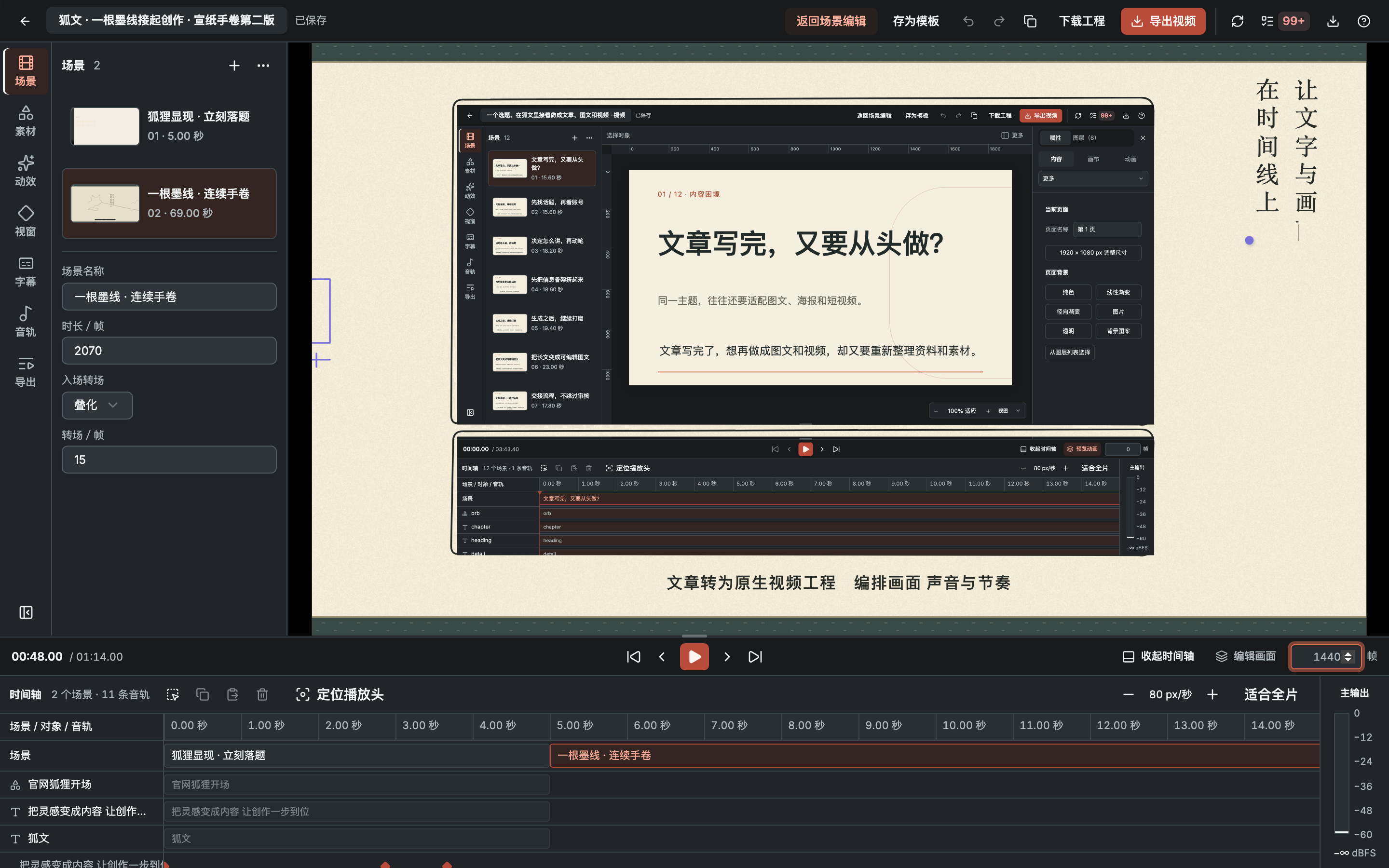
Built to keep this step effortless
01
Direct extension from articles & docs
Map article sections or PDF/PPTX pages into motion scenes while preserving original data, figures, and source references.
02
Editable charts, flowcharts & card styles
Built-in editable trend charts, decision flowcharts, warm-gold product cards, and whiteboard styles with landscape and portrait variants.
03
Editable local timeline projects
Every layer, caption, voiceover track, and timing curve remains editable locally and exports to multiple formats.
How to get started
- Start from an article, a PDF/PPTX file, or the Layer Motion workspace.
- Choose a graphic motion style and aspect ratio, then review mapped scenes and narration.
- Fine-tune layers and timing on the timeline and export your finished graphic video.
Usage notes
Native layer motion renders locally; optional voice synthesis or AI visual steps follow your configured service rules.