 HuwenAI Content Workbench
Built to keep this step effortless
01
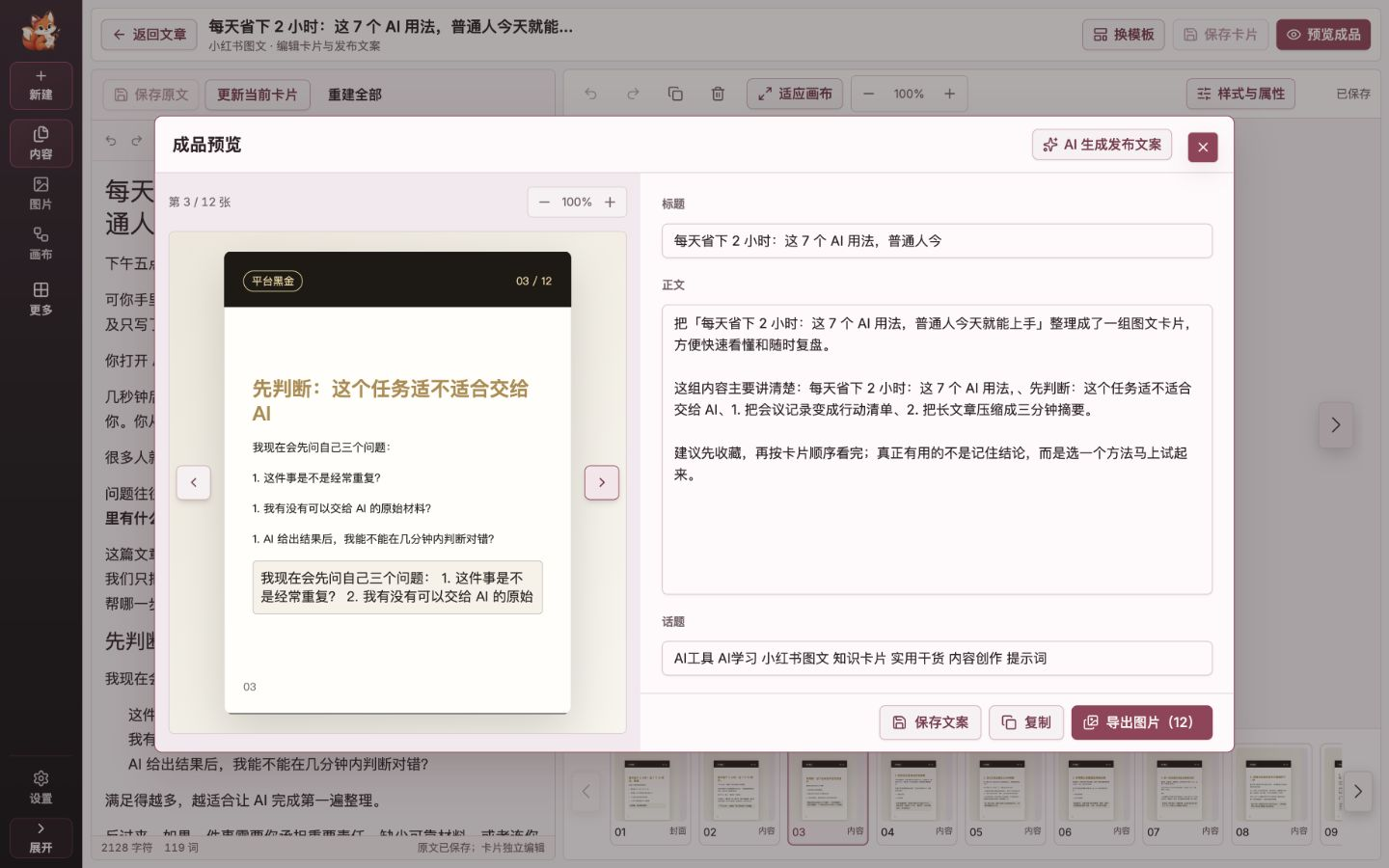
Smart copy splitting & cropping
Break key takeaways into balanced visual slides with clean image framing and readable typography.
02
Copy, cover, and tags together
Preview visual slides next to the post title, caption, and topic tags before handoff.
03
Non-destructive workflow
Your original article remains intact in the Content Library for further formats.
How to get started
- Click Xiaohongshu Visual Post from any article workspace.
- Review the generated card sequence, adjust individual slides, and polish the caption.
- Export images or hand off via the browser extension.
Usage notes
Publishing requires manual confirmation in your target platform or connected browser workflow.