 HuwenAI Content Workbench
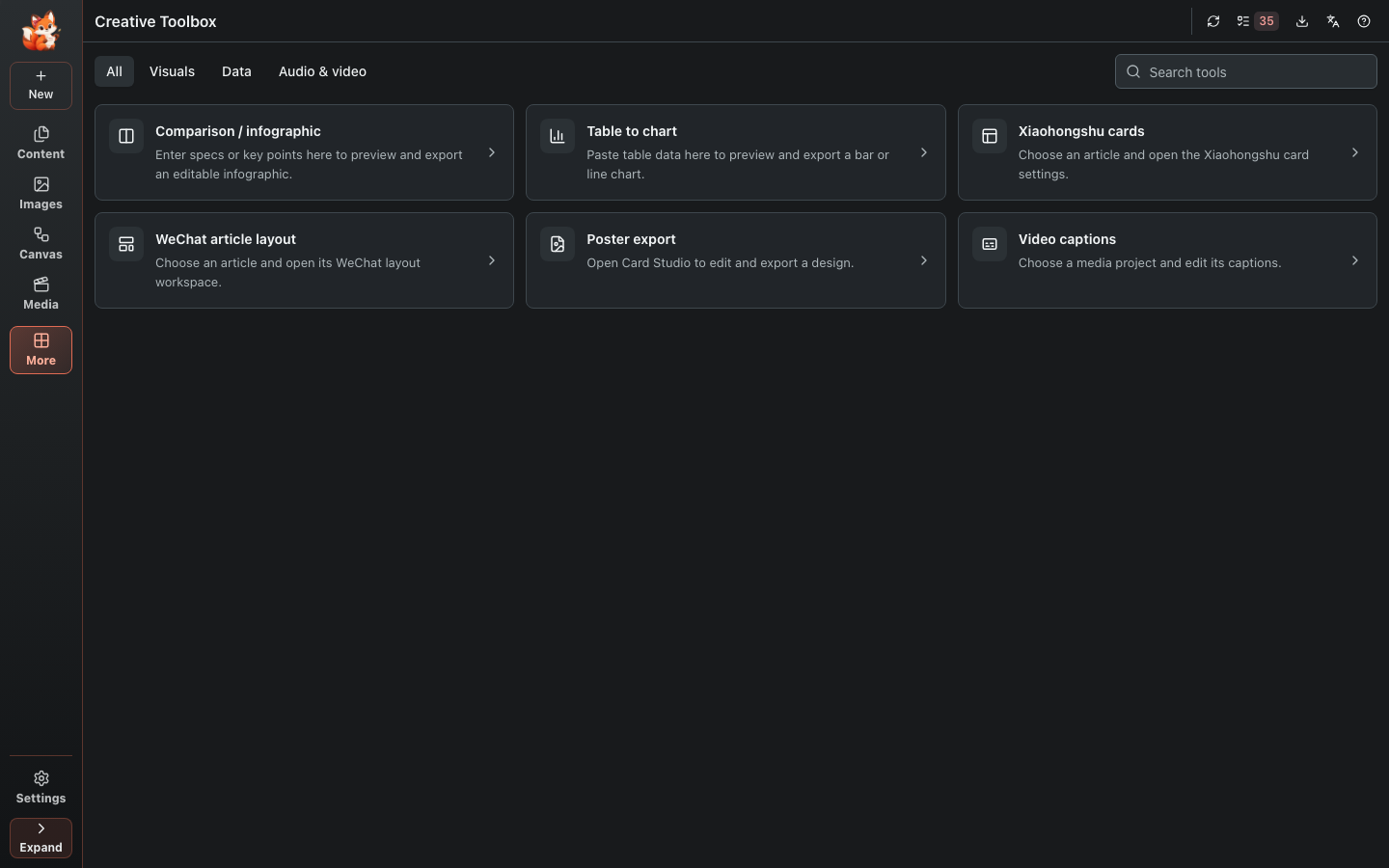
Built to keep this step effortless
01
Comparison & chart utilities
Paste parameters or tabular data into the Creative Toolbox to preview and export crisp comparison visuals and bar/line charts.
02
Template-driven Card Studio
Start from curated editorial card templates or a blank canvas and fine-tune typography and colors.
03
High-resolution local export
Export clean PNG assets ready for articles, social posts, and slides.
How to get started
- Open Creative Toolbox or Card Studio from the More menu.
- Pick a utility (comparison card, table-to-chart, or cover template) and enter your content.
- Preview live and export high-resolution images.
Usage notes
Card Studio and built-in Creative Toolbox editors run locally on desktop.