 HuwenAI Content Workbench
Huwen
Where Topics, Writing & Operations
Stay Connected
A local desktop AI content creation and operations workbench for writers, content teams, and product marketers.
What should we publish today? Does this angle fit our account? Should it become an article, a set of visual cards, editable posters, or a graphic explainer? Huwen brings every step into one desktop app so one set of materials carries all the way through.
Download HuwenUnable to play video right now. Retry or use Open video.
Find Angles Worth Writing
Before You Start
Platform rankings, trending article search, trend radar, an 8-category desktop news feed, and a marketing calendar surface editorial opportunities every day. Discuss promising stories with AI against your account positioning and turn them into concrete topics.
Account Analysis grounds your research in collected title and summary samples—helping you examine vertical focus, style, and winning structures before planning your next series.
Explore Hotspots & Topics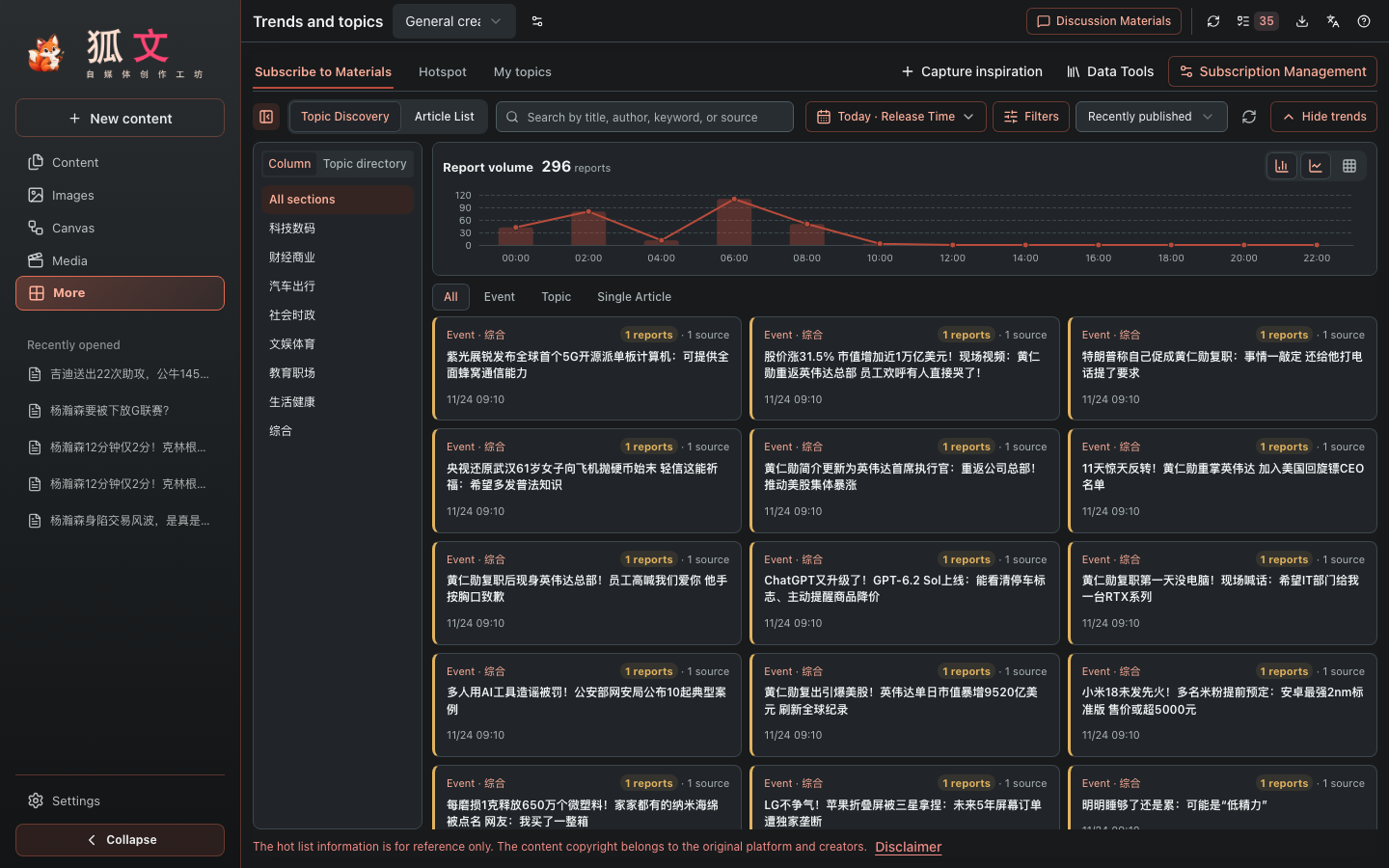
Articles, Visual Cards, Posters & Graphic Motion
Each in Its Own Space
Move forward around real works—materials, editors, custom skills, version history, and exports all have dedicated places.
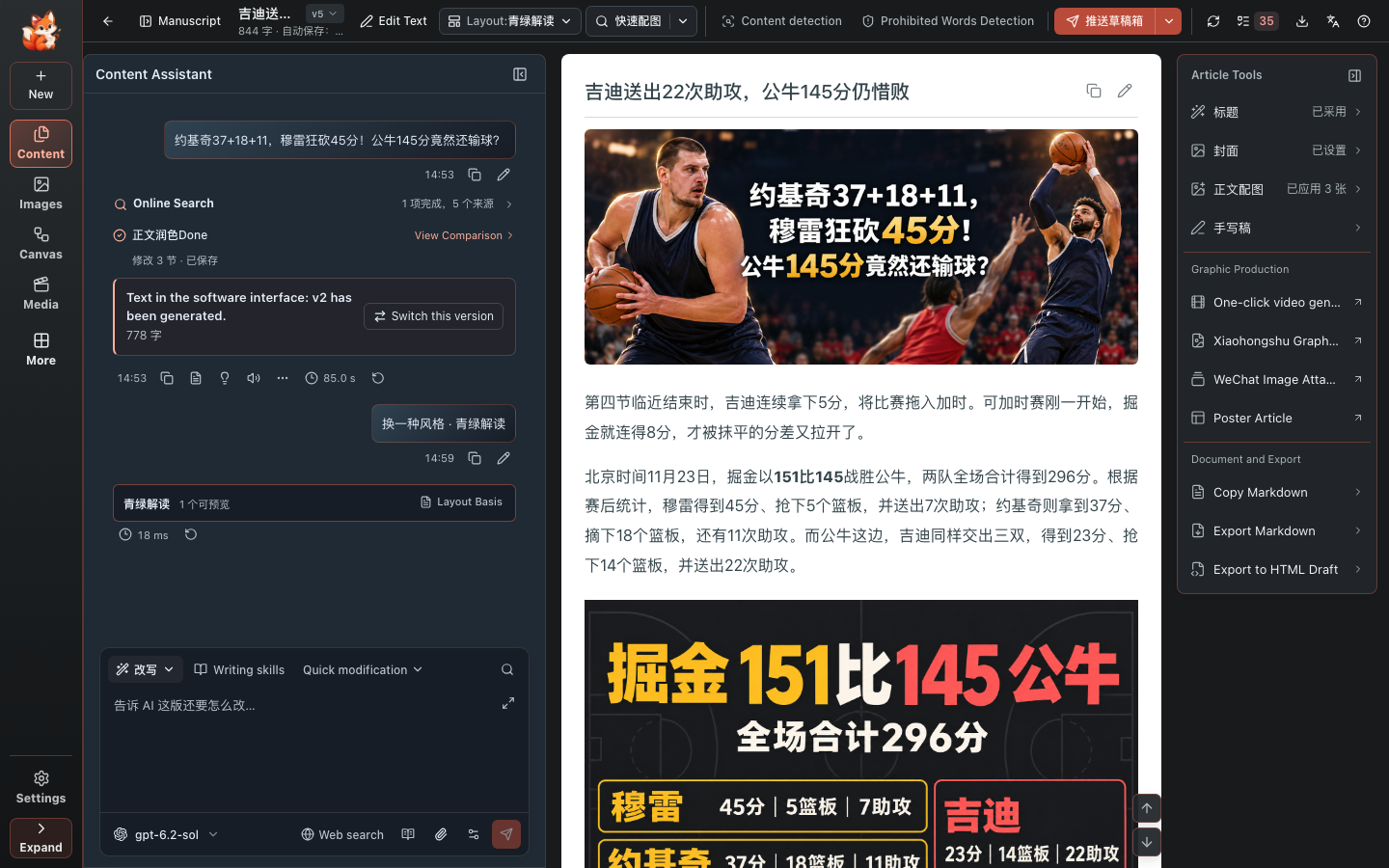
Draft First, Then Refine Section by Section
Bring reference notes and knowledge bases into your draft, select built-in writing skills or import custom skills from ZIP or folder, run two-stage Expression Cleanup and Natural Expression polishing, compare versions, and format cleanly.
Adapt finished articles into Xiaohongshu visual card sets, multi-page editable posters, comparison charts, and product marketing image sets—every text block and layer remains editable.
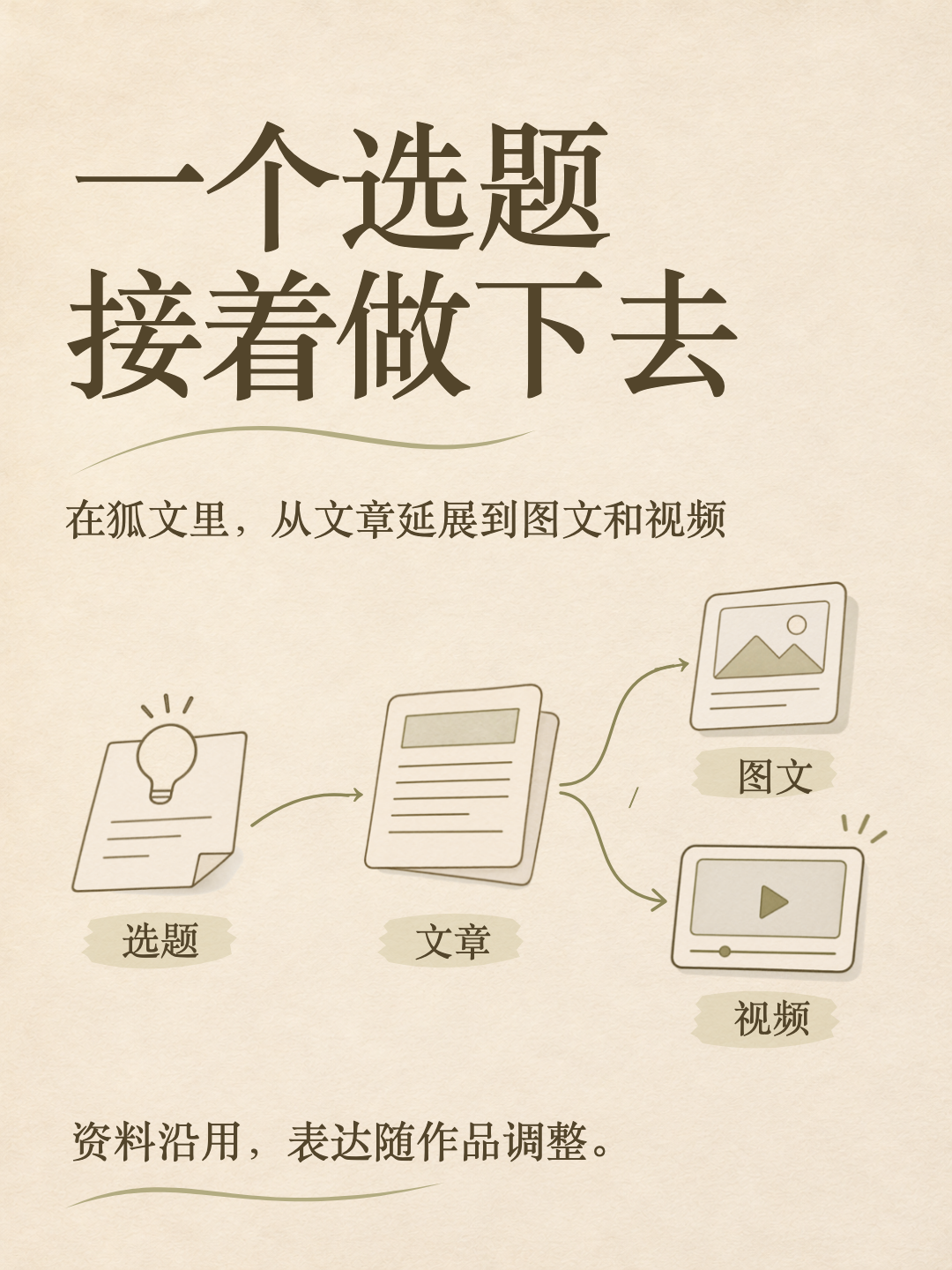

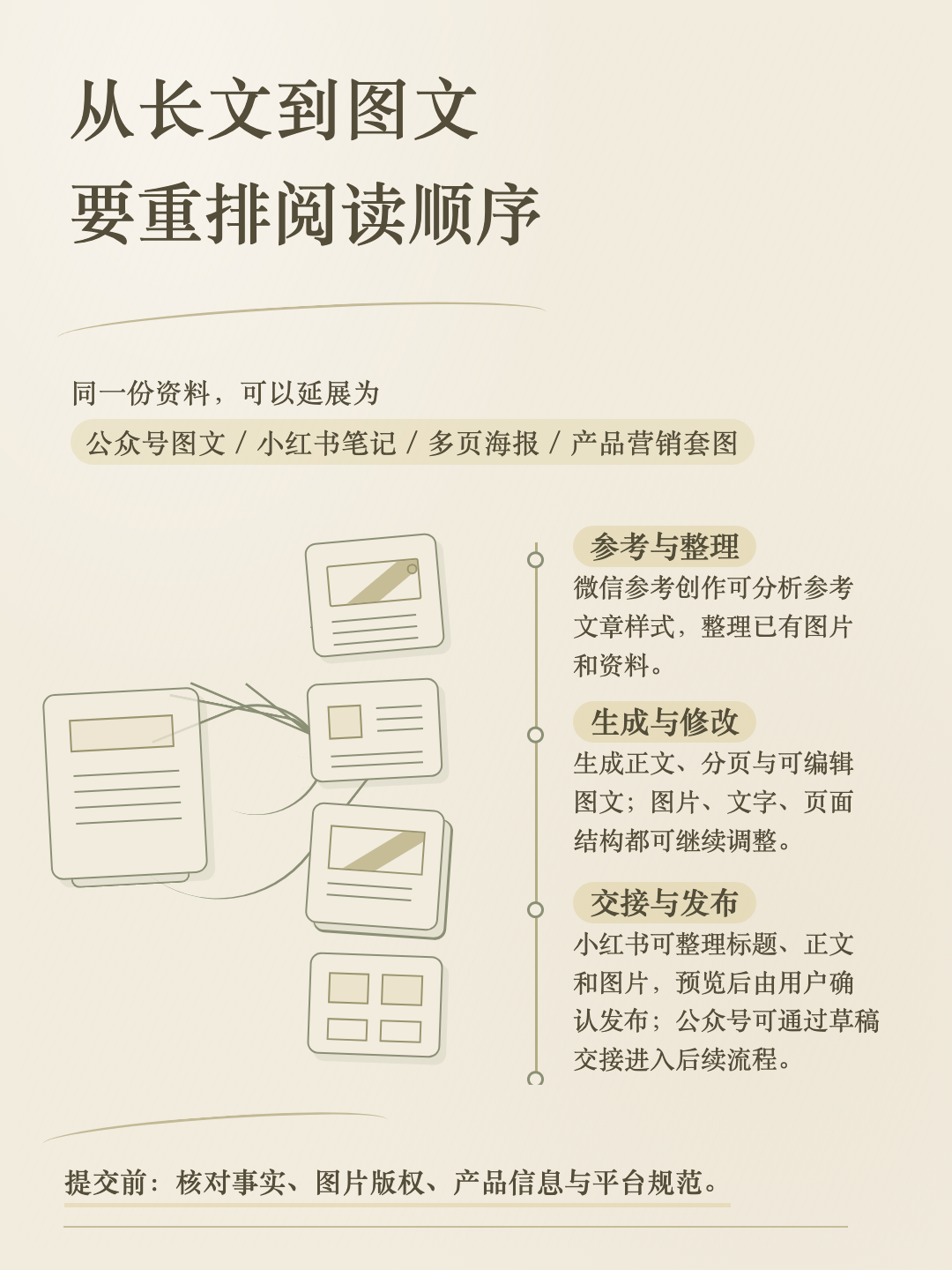
Visual cards generated from an article stay editable alongside post captions and hashtags—preview everything before handoff.
Extend Articles & Docs into Editable Graphic Motion
As a natural graphic extension of written content, turn articles or PDF/PPTX decks into editable trend-chart scenes, flowcharts, warm-gold cards, or whiteboard explainers with voiceover and captions on a real timeline.
Every native layer-motion project stays editable locally, with independent landscape and portrait variants ready for export.
Explore Layer Motion & Graphic Video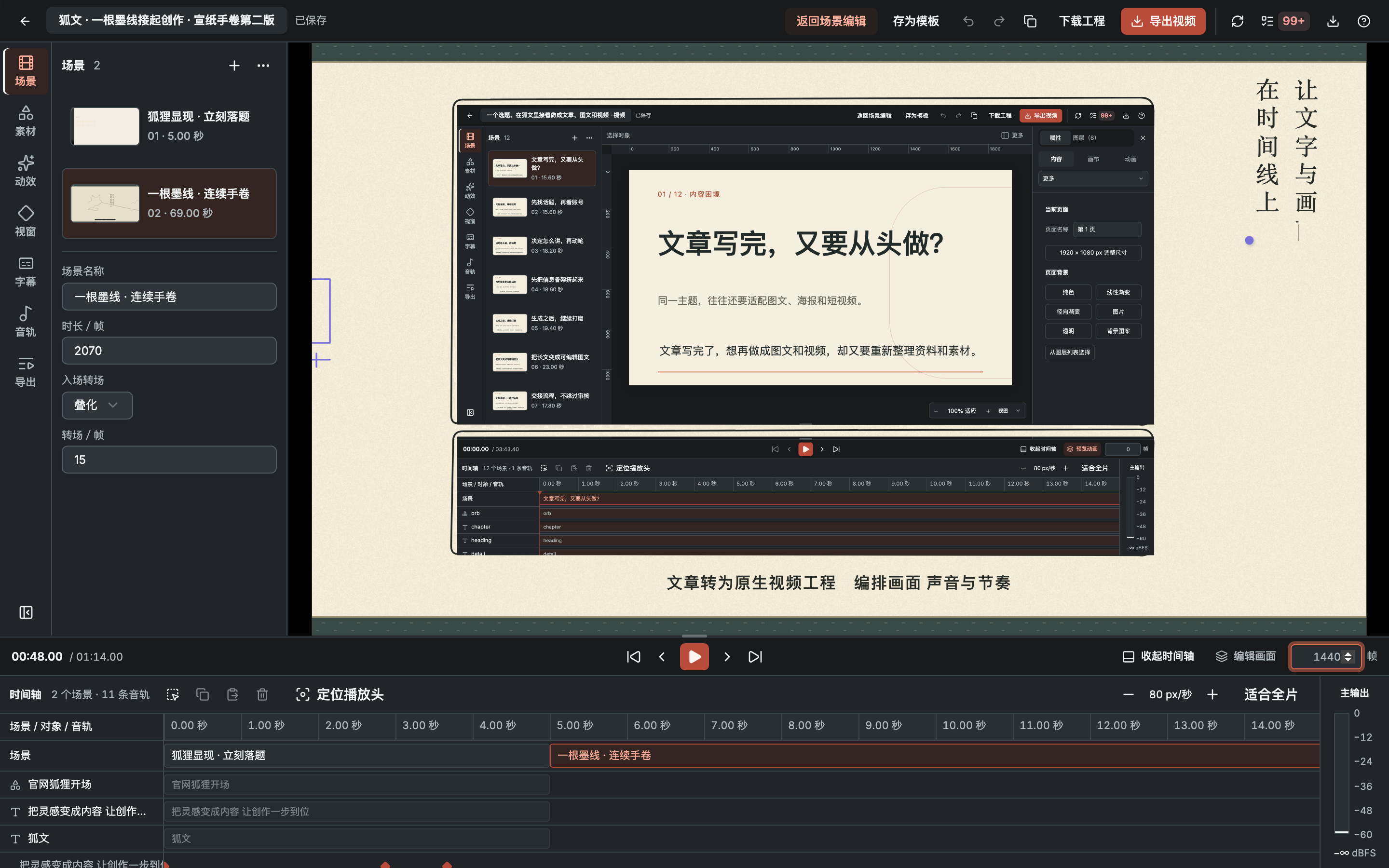
Materials & Craft
Carried Forward to the Next Piece
Product specs, knowledge documents, imagery, and layout templates accumulate in your local library; Content Library, Series, and version history keep recurring columns organized. Multi-account matrix, scheduled creation, draft push, and authorized earnings views support daily publishing.
One product profile can power articles, marketing sets, and motion graphics; one custom writing skill imported from a folder can guide every future draft. The more you create, the stronger your workspace becomes.
Topics have sources. Research has samples. Writing has skills. Edits have versions. Assets stay reusable.
On Your Own Desktop
Keep Every Step Moving
Download Desktop App Huwen runs locally on macOS and Windows with native Chinese and English interfaces. Drafts stay on your machine while AI models and external services (including OpenRouter free models) are configured on your terms.
From discovering a story to publishing across accounts, Huwen keeps your entire workflow connected.
Data & Privacy ↗