 HuwenAI Content Workbench
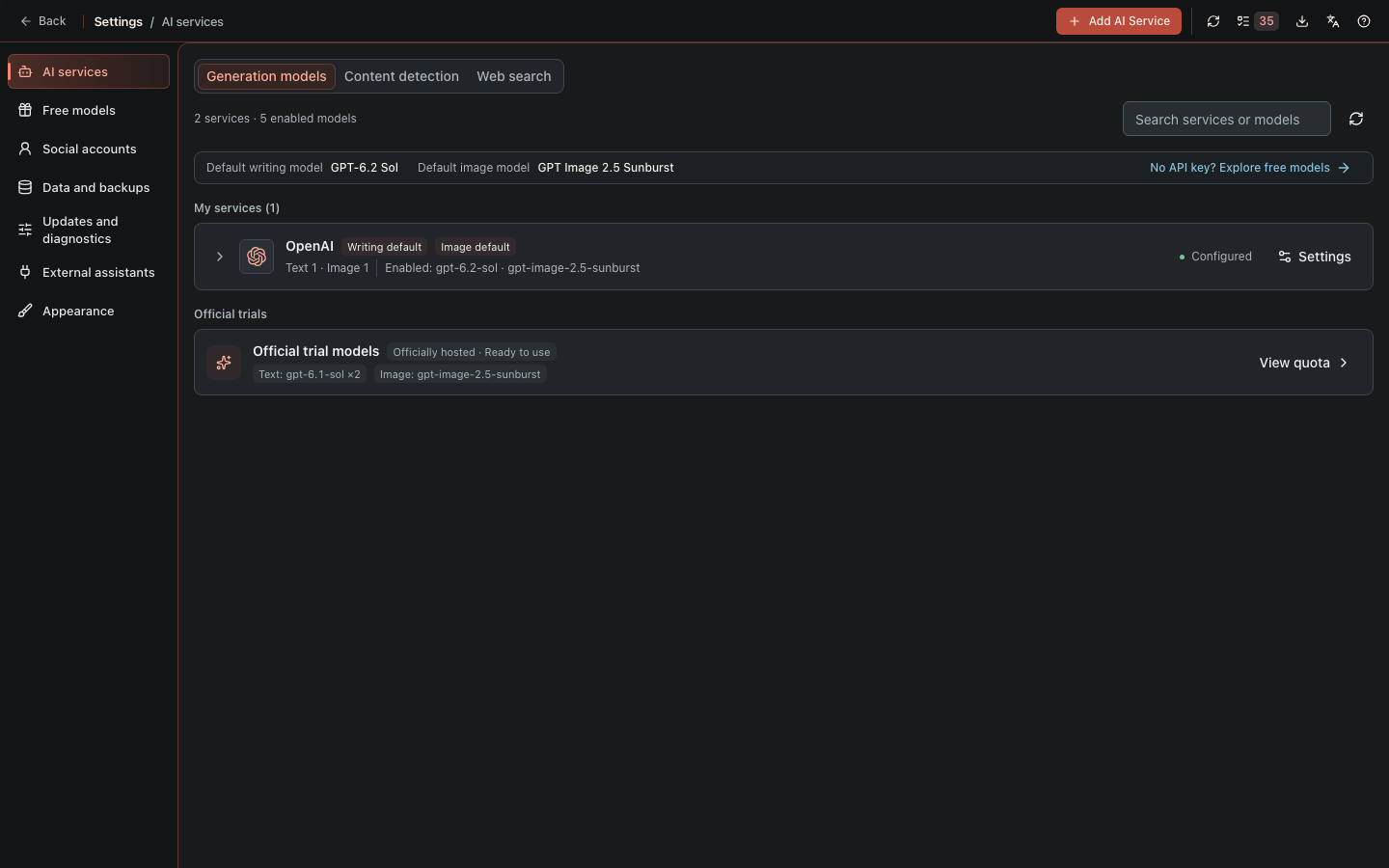
Built to keep this step effortless
01
Simplified provider setup
Verify connections and fetch available models before saving, with automatic relay detection and default model overview.
02
OpenRouter free model discovery
Query OpenRouter's free text model catalog directly in Settings and enable models with a single API key.
03
Bilingual desktop experience
Switch between Simplified Chinese and English from the top bar or Appearance settings—updating menus, canvas, and window titles immediately.
How to get started
- Open Settings → AI Services or Free Models.
- Add your provider API key or query the OpenRouter free catalog and verify models.
- Set your default writing and image models and start creating.
Usage notes
External API availability, rate limits, and billing follow each model provider's terms.