 HuwenAI Content Workbench
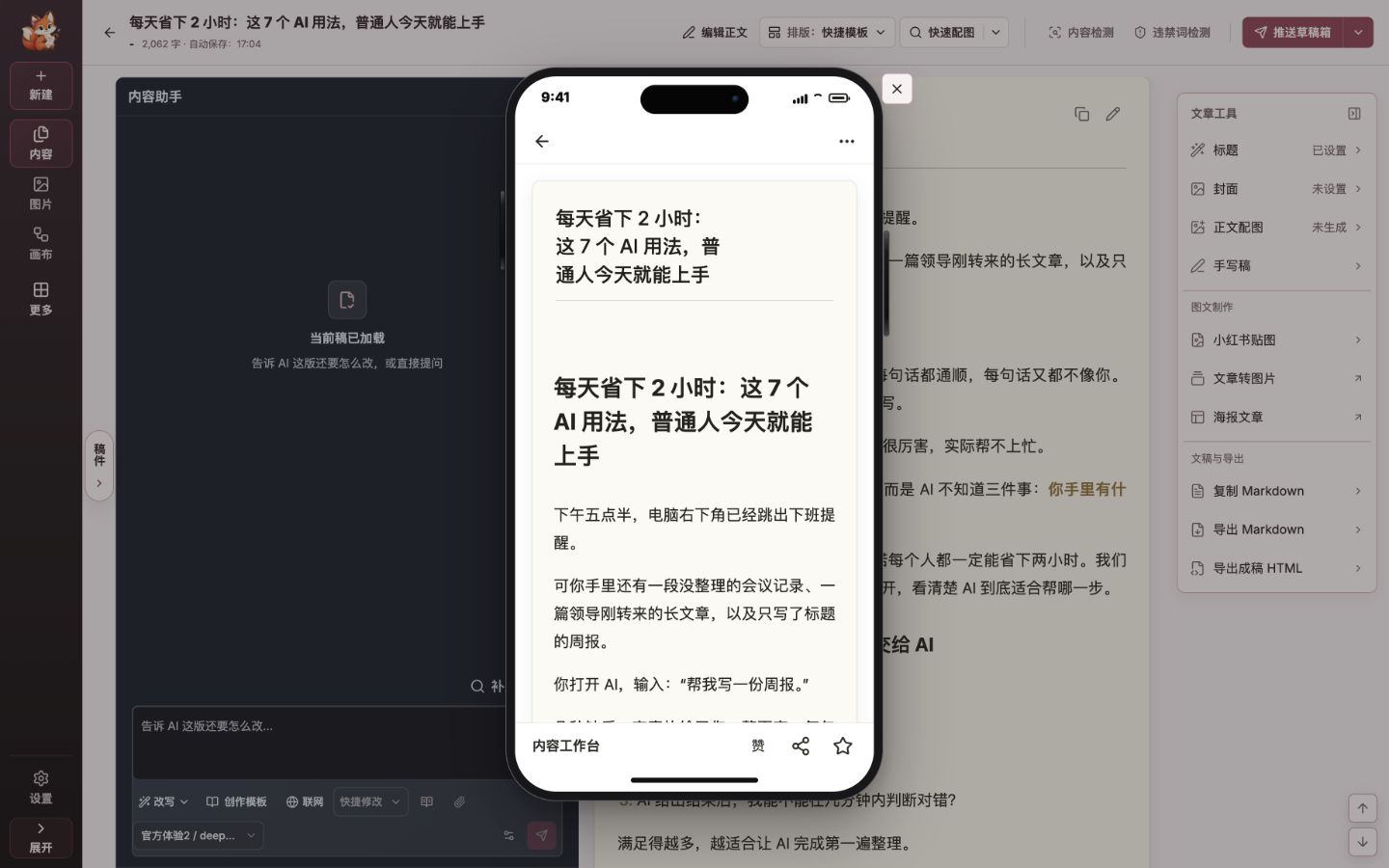
Built to keep this step effortless
01
WeChat draft box push
Connect your Official Account in the account drawer and push formatted drafts with images.
02
Browser extension handoff
Use the Huwen browser extension for Chrome, Edge, or Firefox to transfer formatted posts cleanly.
03
Always confirmed by you
Review drafts inside the platform backend before hitting publish.
How to get started
- Verify your formatted layout and cover image in the article workspace.
- Click Push to Draft Box or hand off via the browser extension.
- Perform final review and schedule/publish in your platform dashboard.
Usage notes
Draft push requires valid platform credentials or relay configuration; Huwen never publishes without your confirmation.