 HuwenAI Content Workbench
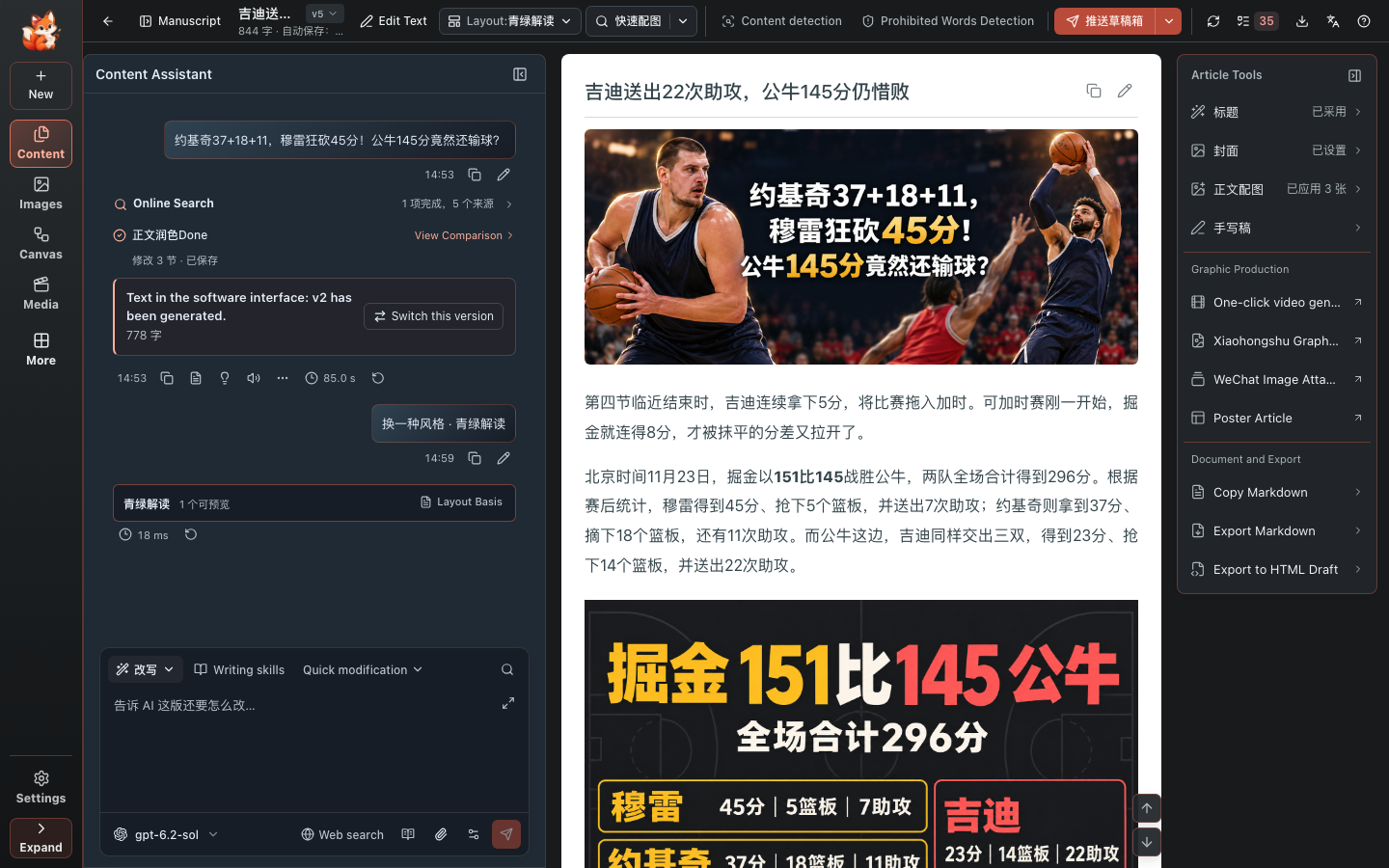
Built to keep this step effortless
01
Full version history
Every generation and polish pass is preserved so you can switch back or compare anytime.
02
Organized by account & series
Keep multi-account pipelines clear with instant search and status filtering.
03
Hub for all outputs
Launch formatting, Xiaohongshu cards, posters, or exports straight from the article workspace.
How to get started
- Open Content from the primary sidebar to view all saved drafts.
- Filter by account, series, or keyword and reopen any manuscript.
- Compare versions or continue into visual creation and publishing.
Usage notes
All manuscripts and version snapshots are stored locally in your desktop database.