 HuwenAI Content Workbench
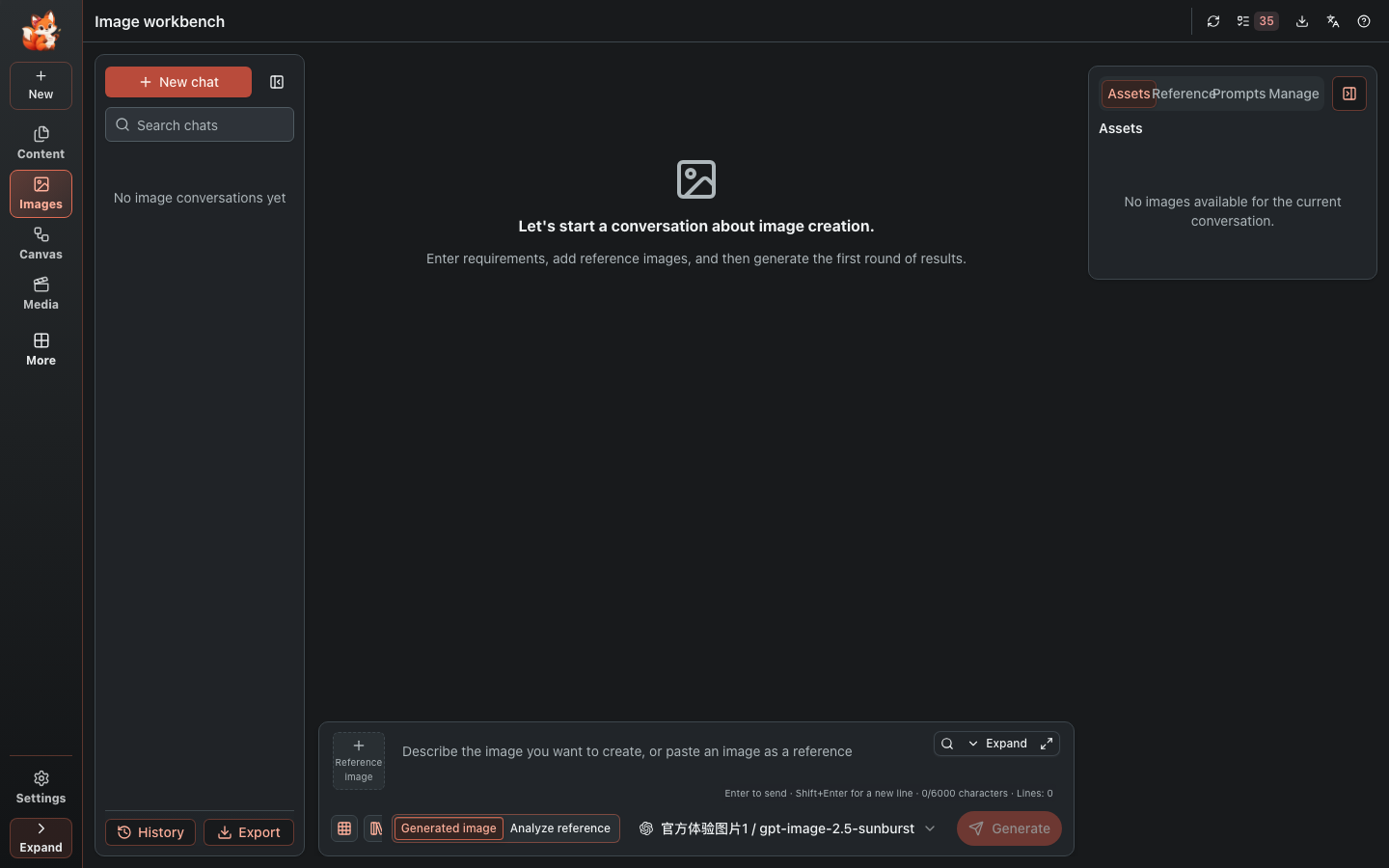
Built to keep this step effortless
01
Conversational image creation
Iterate on prompts, paste reference images directly, and compare outputs across rounds.
02
Article auto-illustration
Generate cover art and in-article visuals matched to your draft's sections.
03
Local batch compression
Reduce PNG and JPEG sizes locally before publishing without leaving the workbench.
How to get started
- Open Image Studio or trigger Quick Illustration from an article.
- Describe the visual or attach reference images and choose an enabled image model.
- Save favorites to your library or run Smart Compression before export.
Usage notes
Image generation requires a configured image model; Smart Compression runs locally.