 HuwenAI Content Workbench
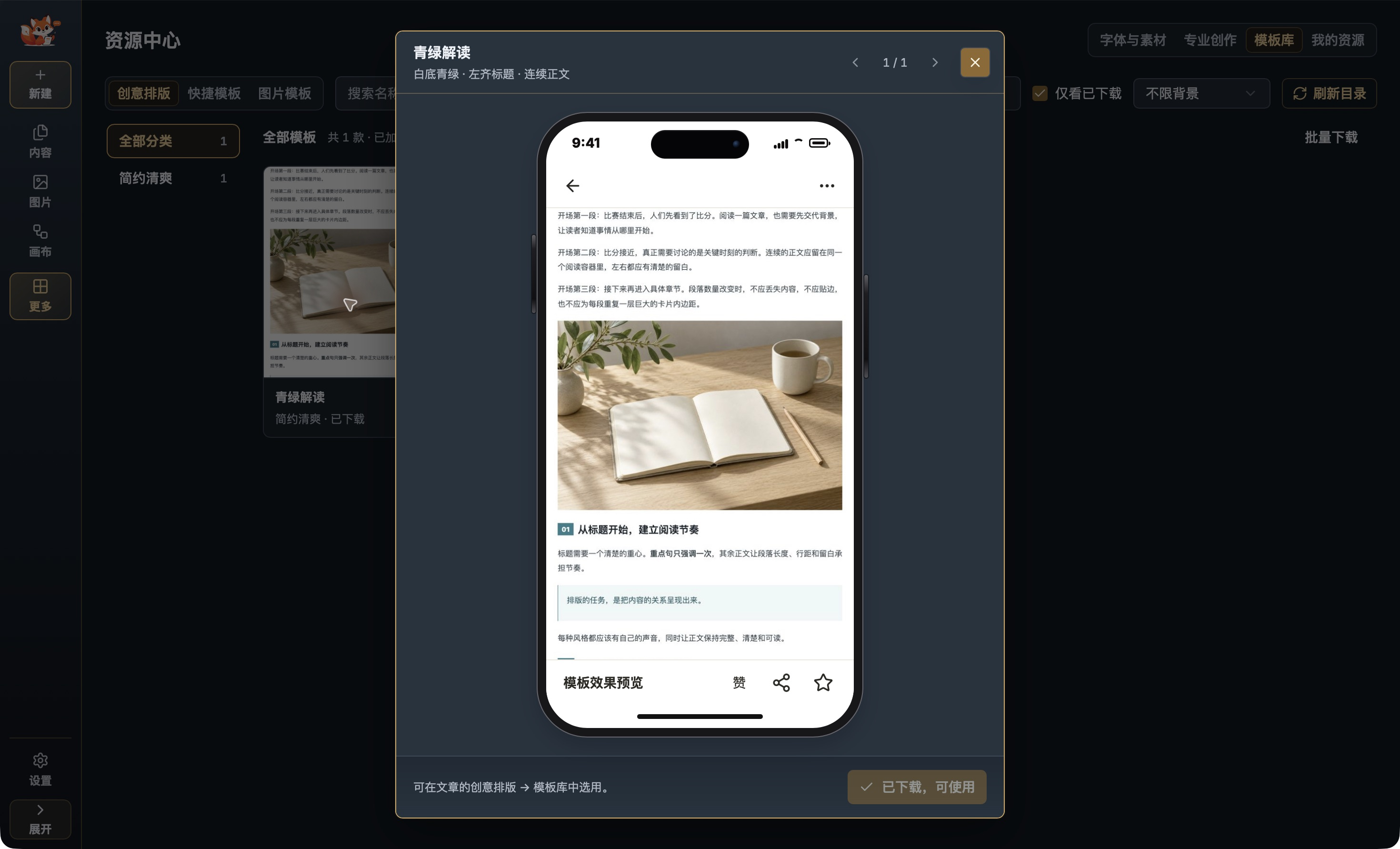
Built to keep this step effortless
01
On-demand downloads
No bloated bundled fonts—install only the layout templates, fonts, and packs you actually use.
02
Unified resource management
Filter installed items, refresh catalogs, and track download tasks in Download Center.
03
Direct integration
Installed templates and assets appear immediately in the editor and visual studios.
How to get started
- Open Resource Market from the More menu.
- Browse by templates, fonts, or resource packs and preview details.
- Download on demand and apply directly in your projects.
Usage notes
Downloading remote packs requires internet access; installed resources work locally.